How to use KLT Profit
Five minutes, start to finish. Pick your side below: owners run the money, dispatchers run the loads.
Getting in
From nothing to a working team in five steps. The first four belong to the owner; the last one is the dispatcher's.
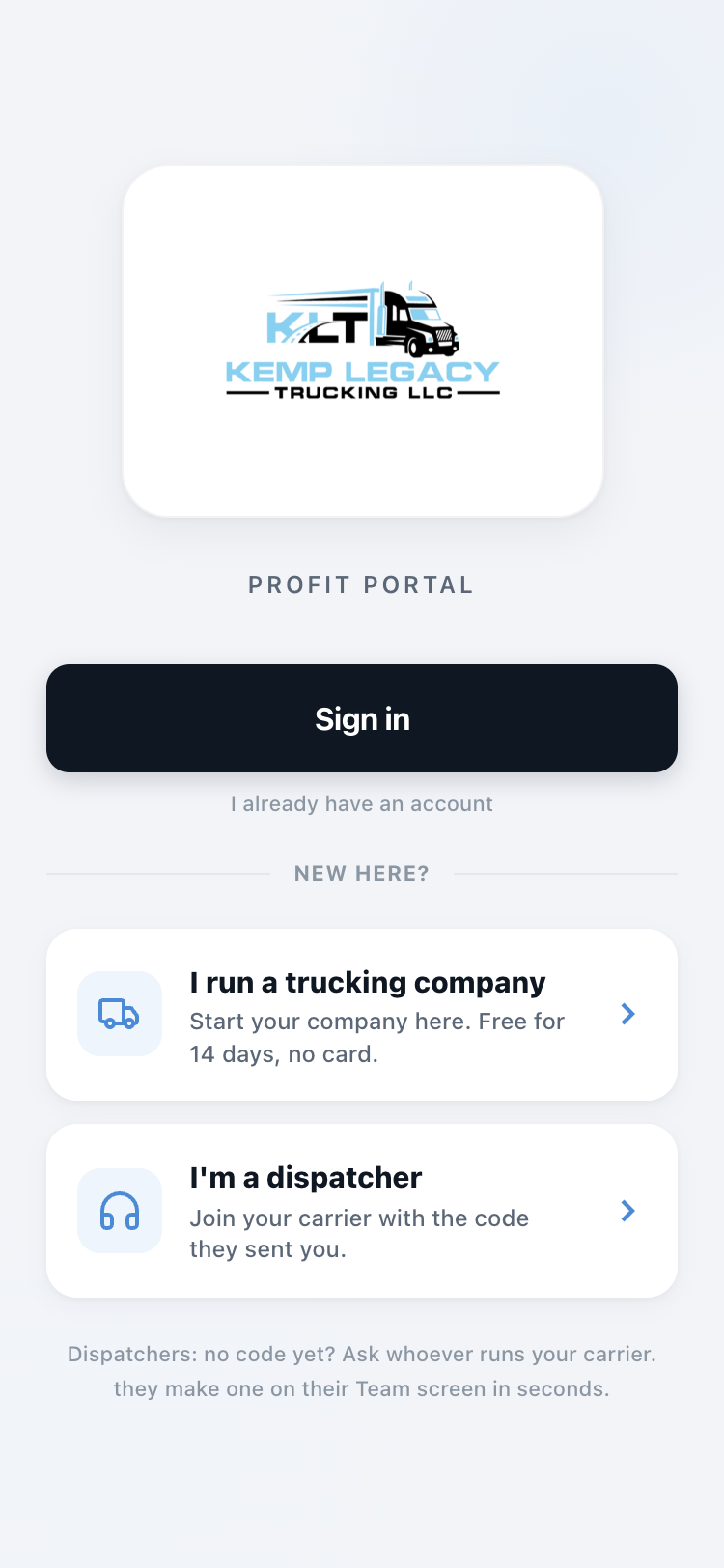
Pick your button
Open app.kltprofit.com on your phone.
Own or run the trucks? Tap "I run a trucking company."
Dispatch for someone? Tap "I'm a dispatcher."
Already set up? Just tap Sign in.
Owners: create your company
Pick what you run (hotshot, box truck, semi, cargo van), then company name, your name, email, and a password. That is the whole form.
You are in, signed in, no waiting on anyone.
Owners: answer the setup questions
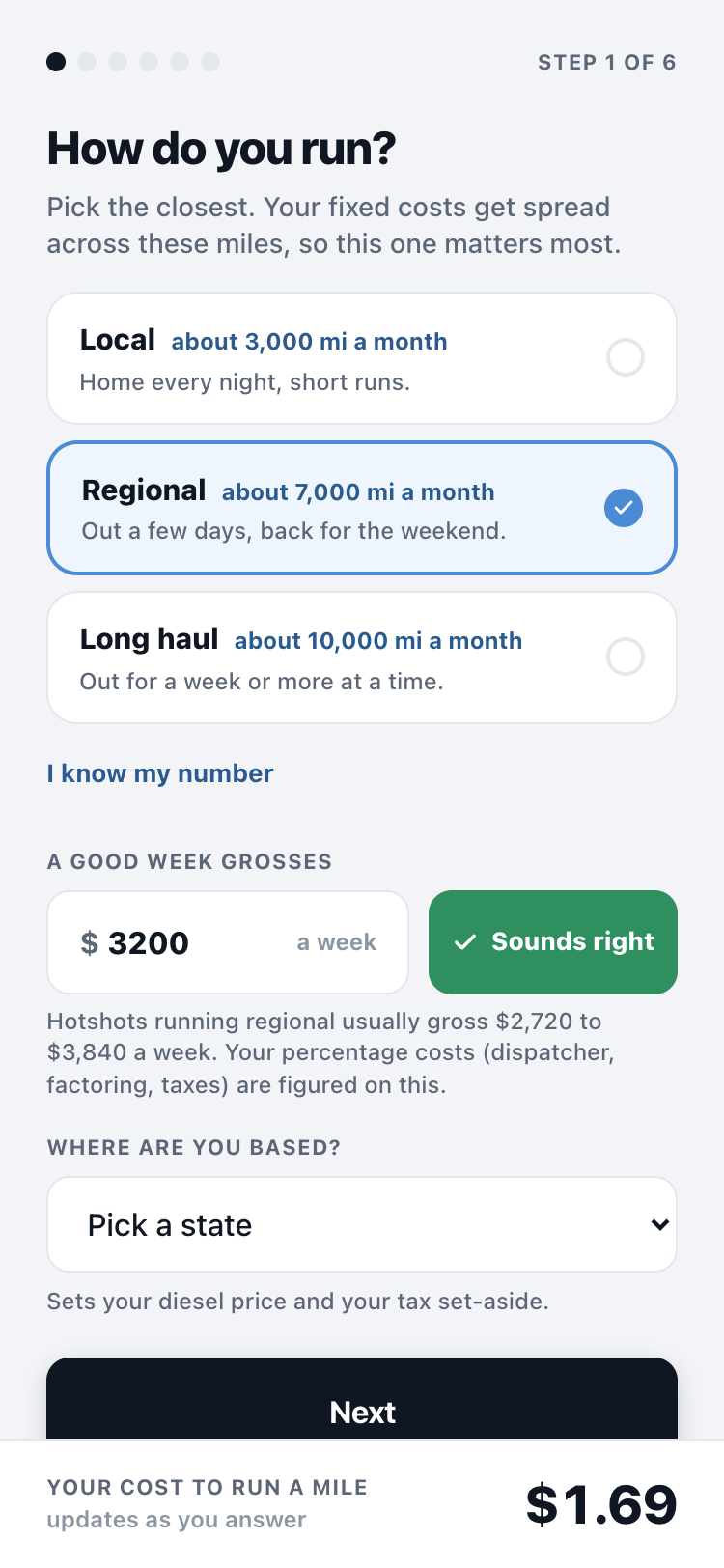
A few short screens, one thing at a time: how you run, your truck, the truck's bills, the business, the people you pay, taxes (set aside as a share of profit before taxes). Every screen comes with typical numbers already filled in for your kind of truck. Tap "Sounds right", or change a number.
At the end you see your cost per mile, which is what every verdict is built on.
Owners: text your dispatcher a join code
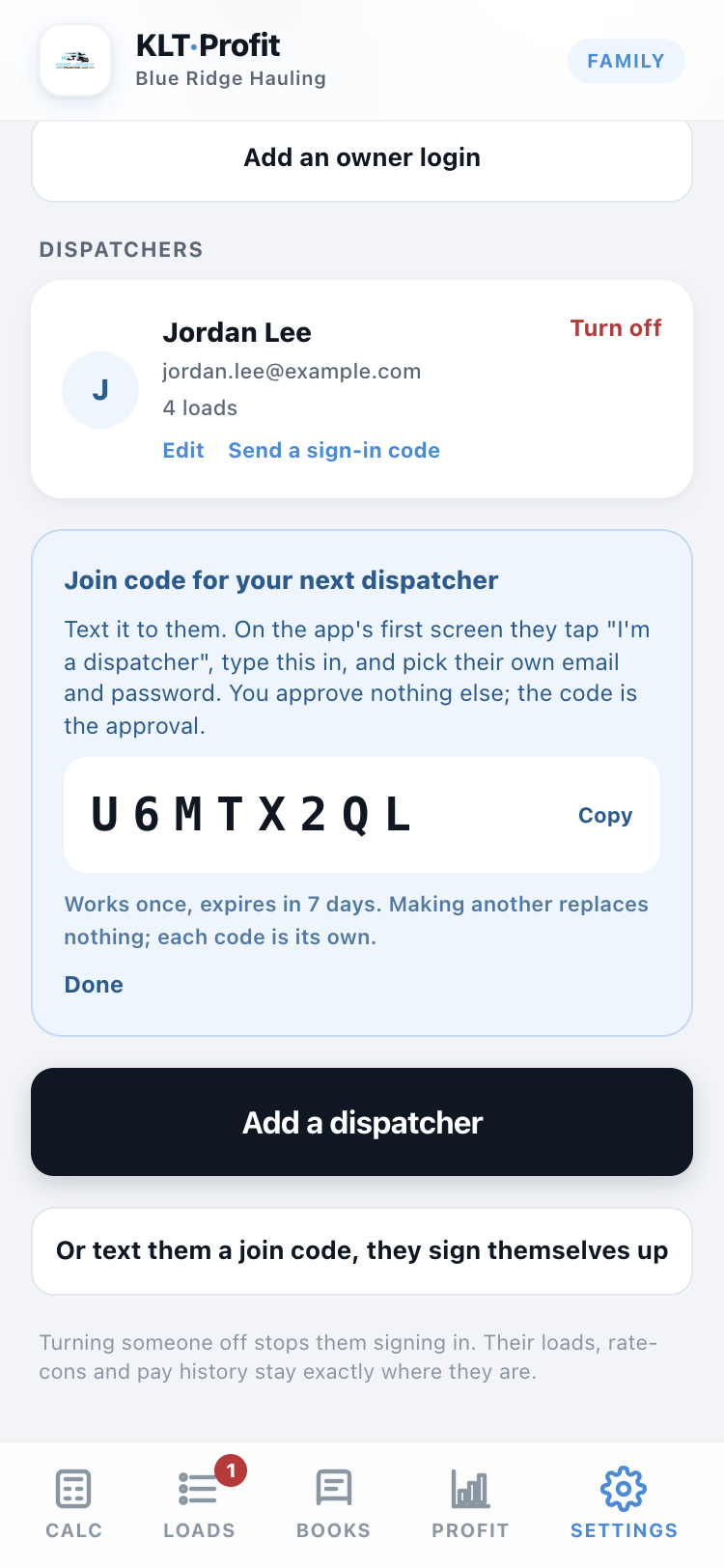
On the Team tab (under Settings), tap "Or text them a join code, they sign themselves up." The app makes an 8-character code. Copy it and text it over.
That is the whole onboarding. The code is the approval: whoever types it joins your company, picks their own password, and never sees your costs or profit.
Dispatchers: type your code
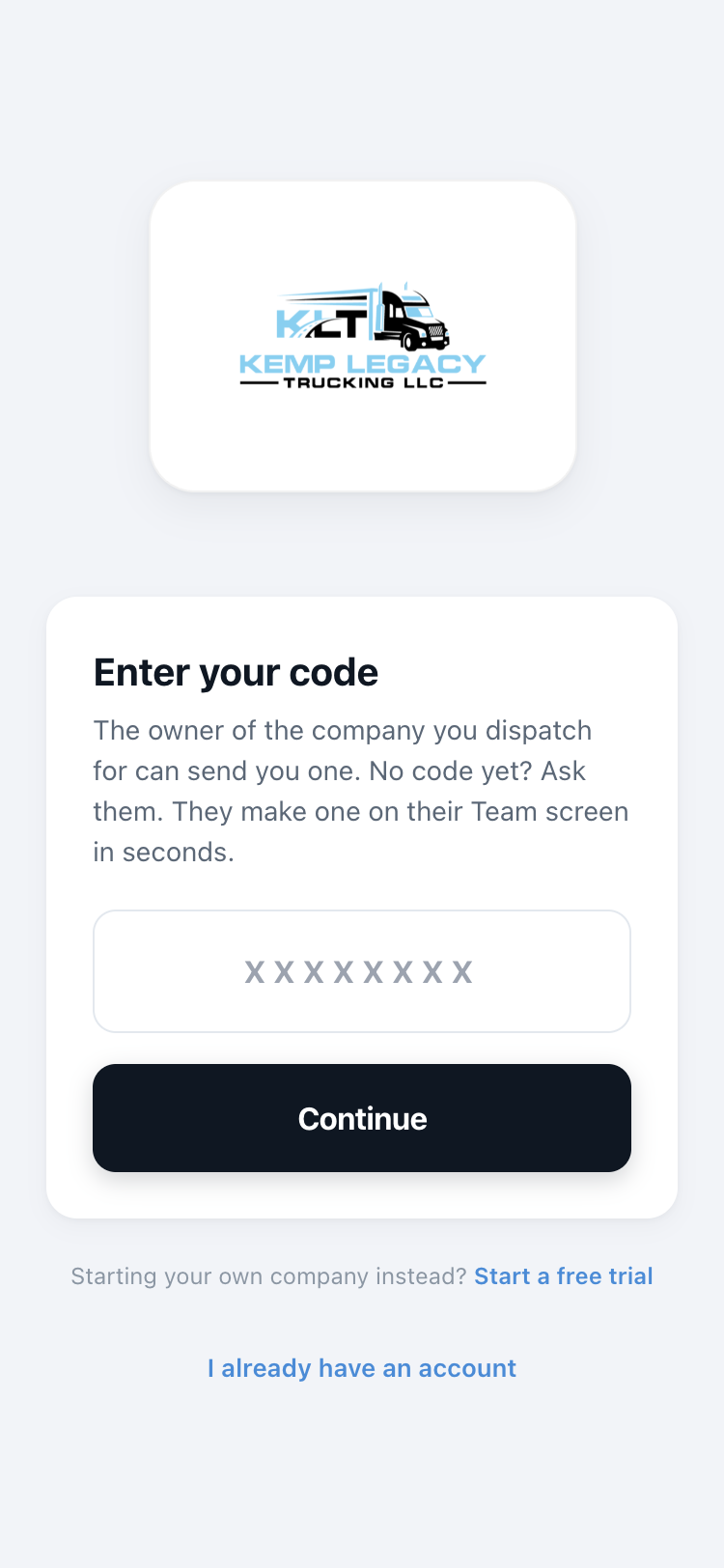
Your owner sends you an 8-character code. Type it in and the app shows you which company you are joining, so you know you got it right before you make a password.
Running your company
Every screen, in the order you will use them: price loads, keep the truck's location fresh, approve work, watch the money, and hear about it the moment something needs you.
This is home
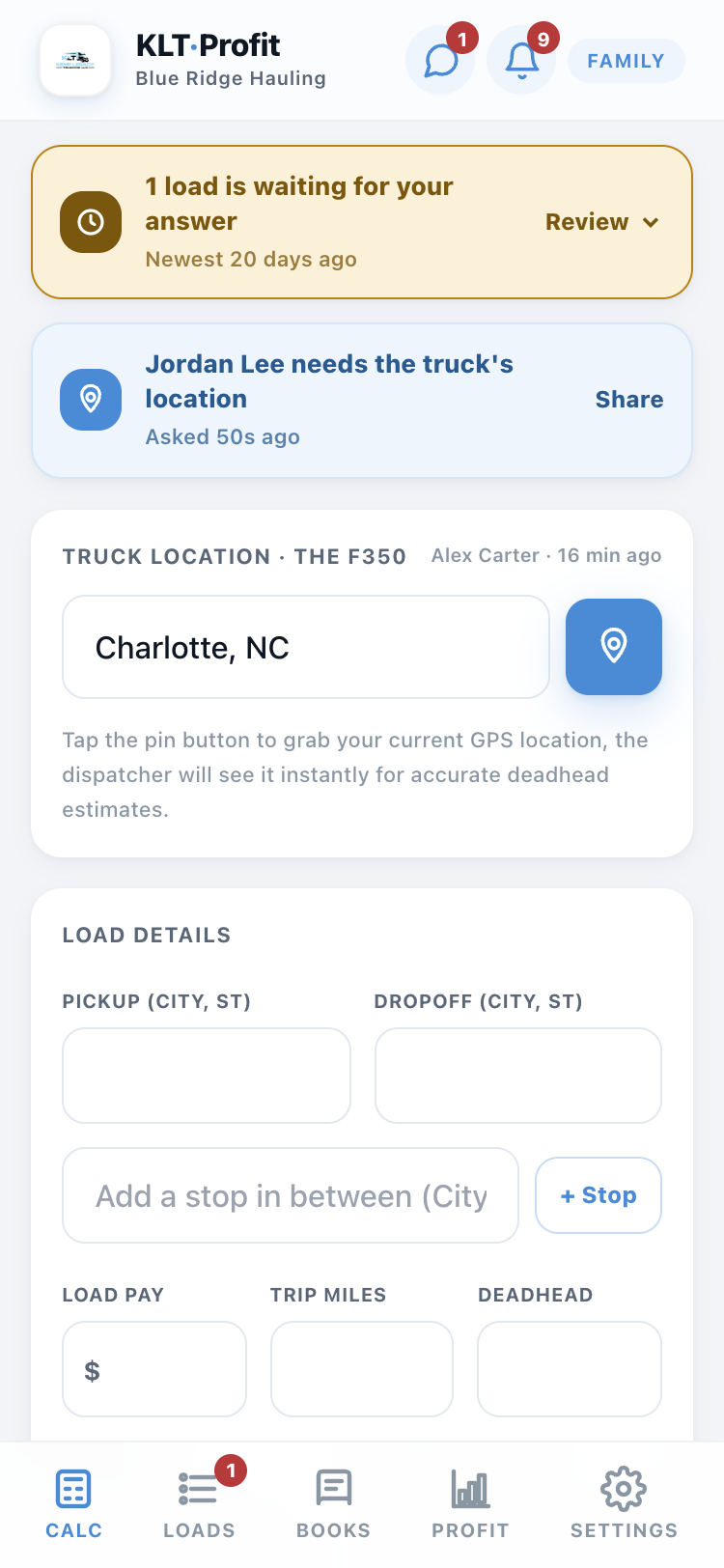
The calculator opens first. Type any load in: where it picks up, where it drops, what it pays. The app tells you if it is worth taking based on your truck's real costs.
Green means money
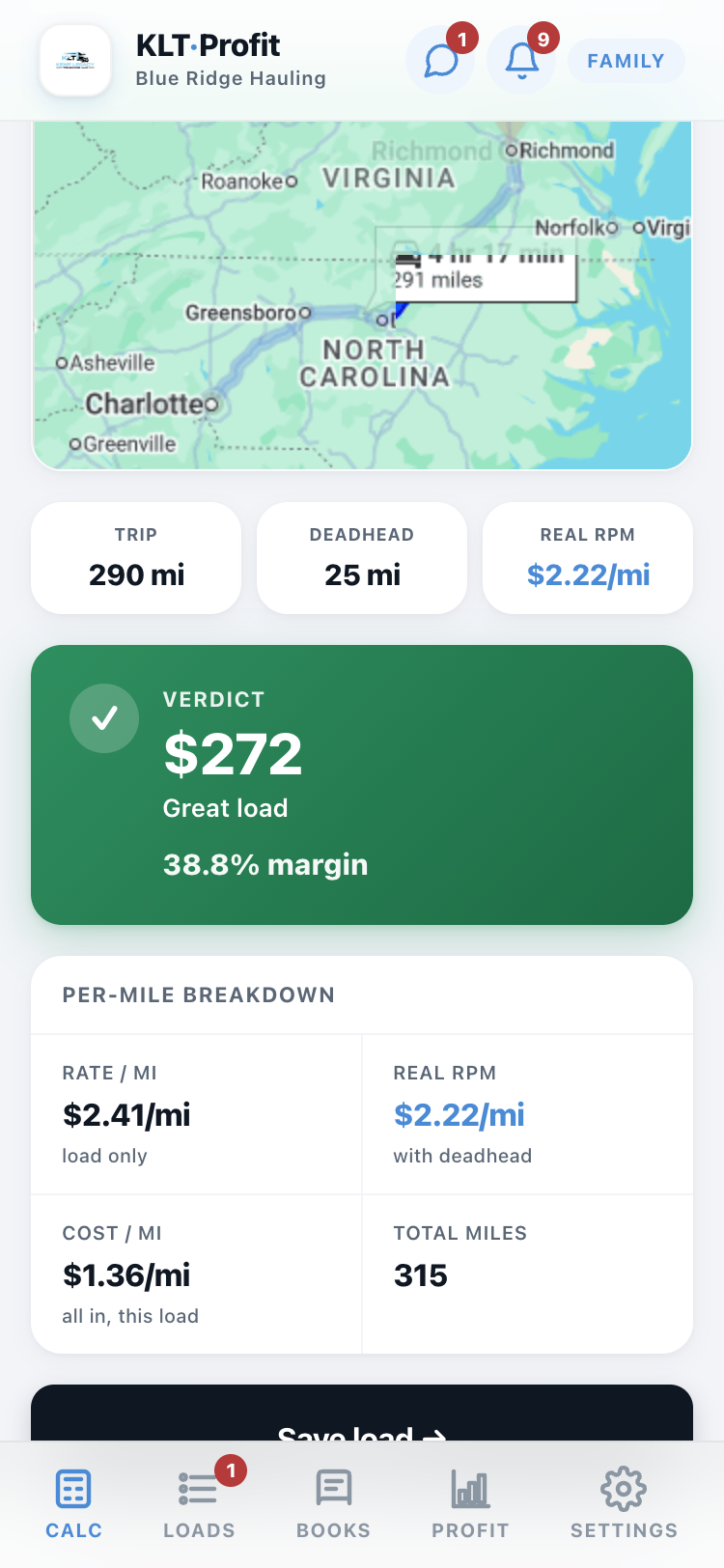
Every load gets a verdict: green is profit, red is a loss, with the dollar amount right there. No math, no guessing at a fuel number.
Tap the pin when the truck moves
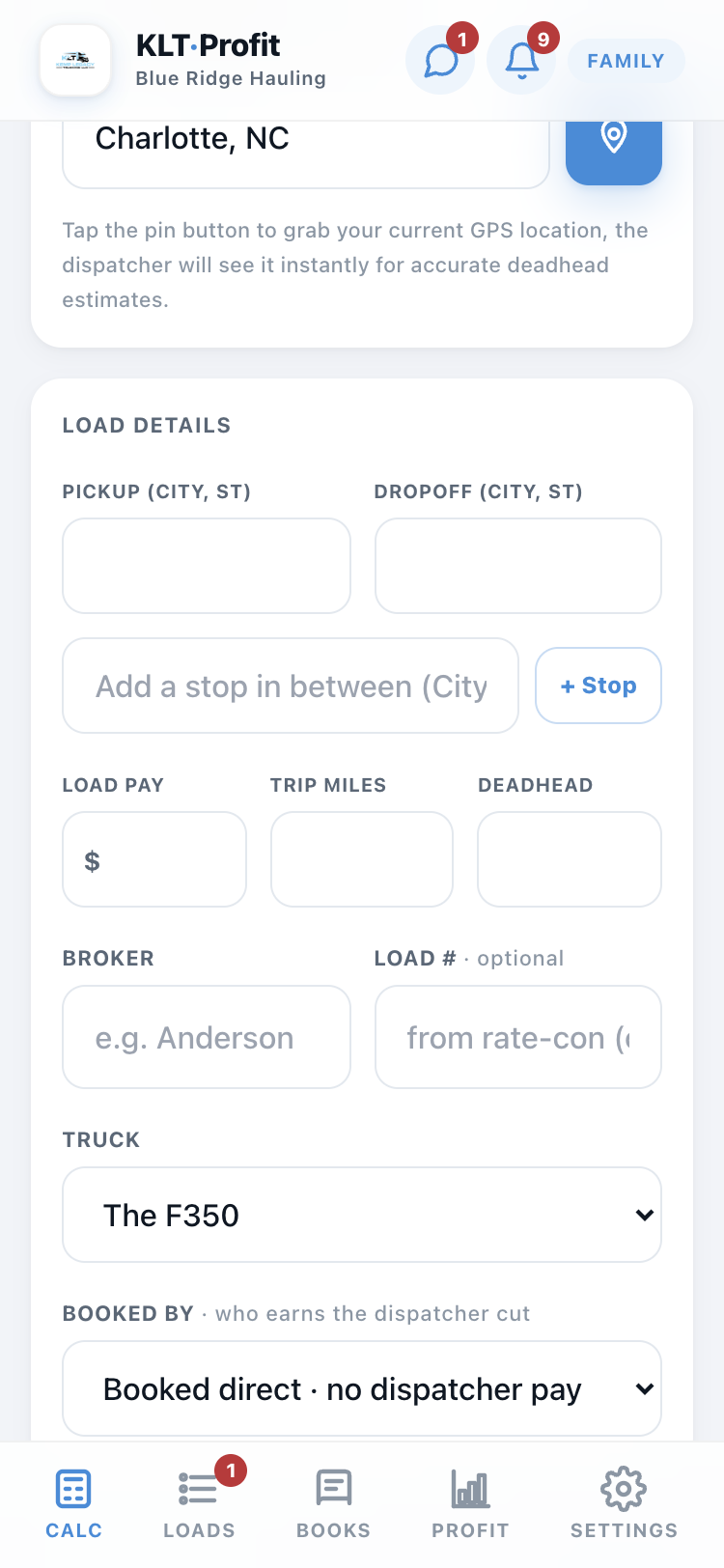
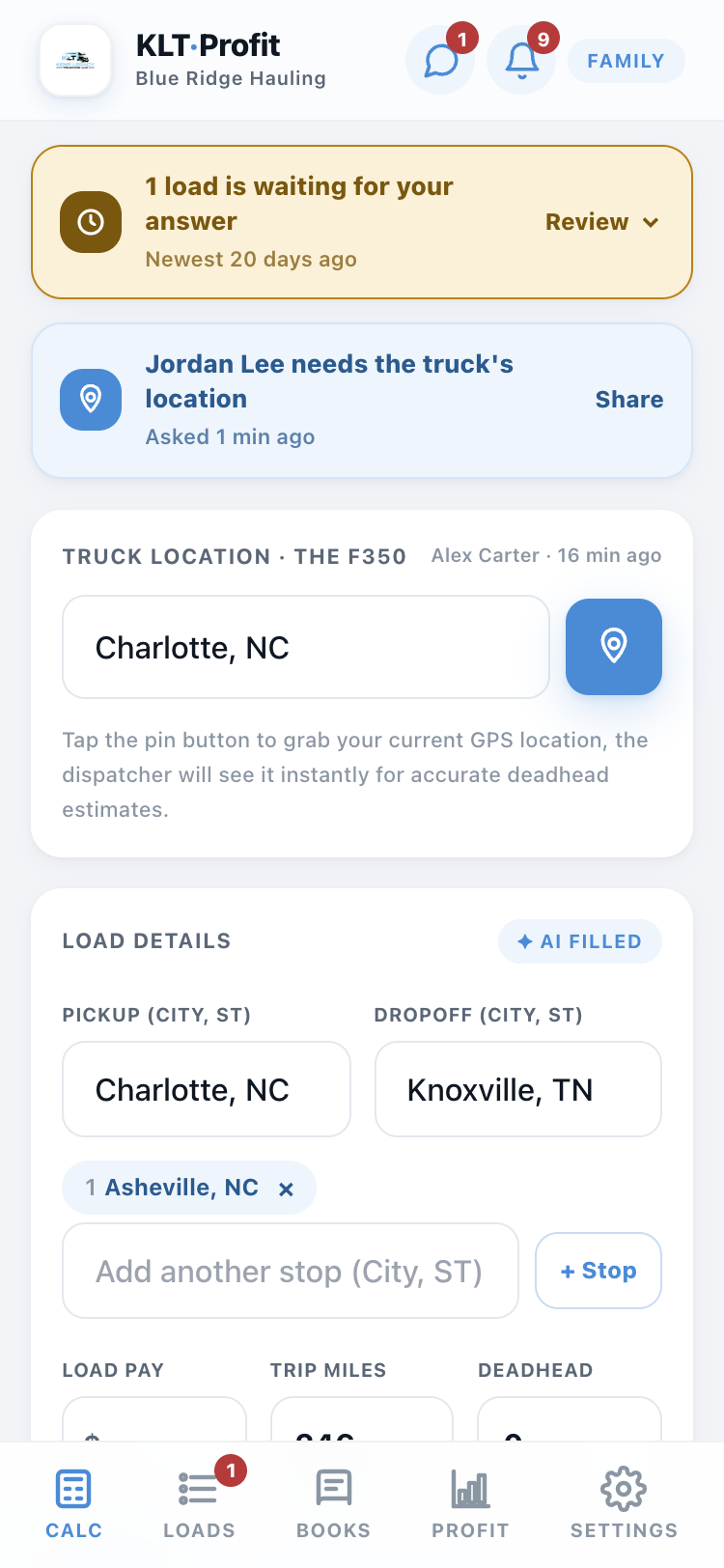
The Truck location card sits at the top of the calculator. Tap the blue pin button (or type the city) whenever the truck parks somewhere new. Your dispatcher sees it instantly, and every load they price starts its deadhead math from where the truck really is.
When a dispatcher asks where the truck is
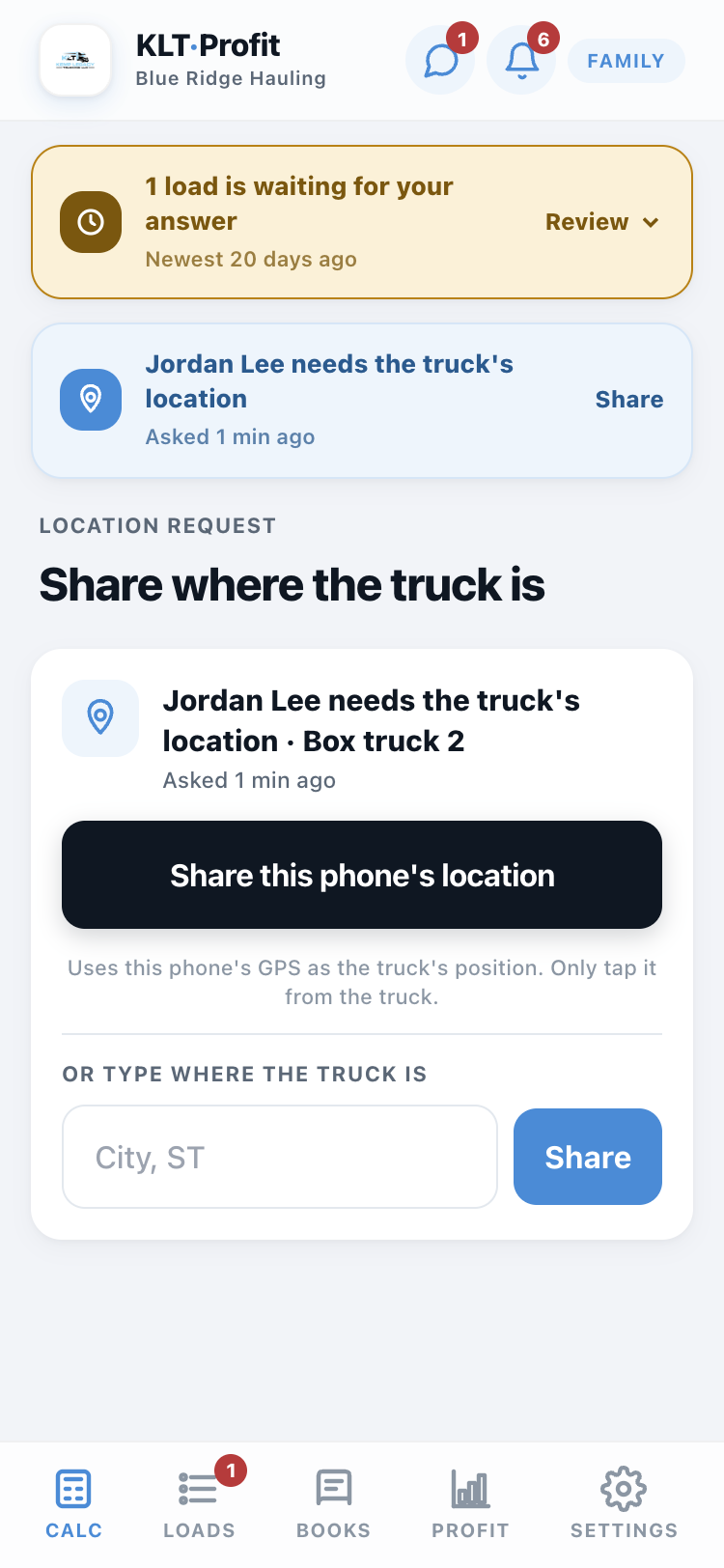
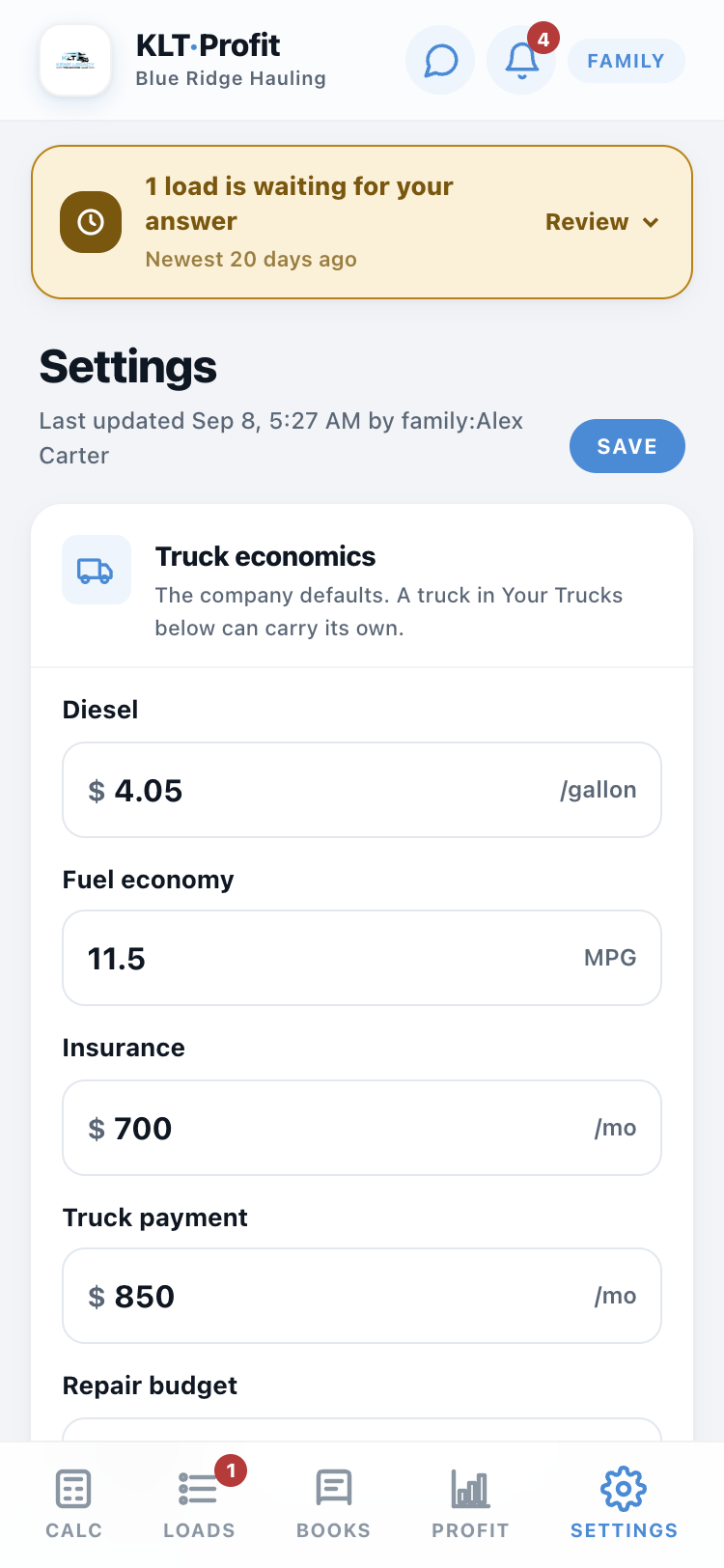
A dispatcher can tap Ask for the truck's location on their side. Every owner phone with that ping switched on buzzes, and a blue banner shows on every screen until someone answers.
Tap it, then tap Share this phone's location from the truck, or type the city. The pin moves and the dispatcher is told. Tapping the ordinary pin button counts as an answer too.
The Team tab manages who gets in
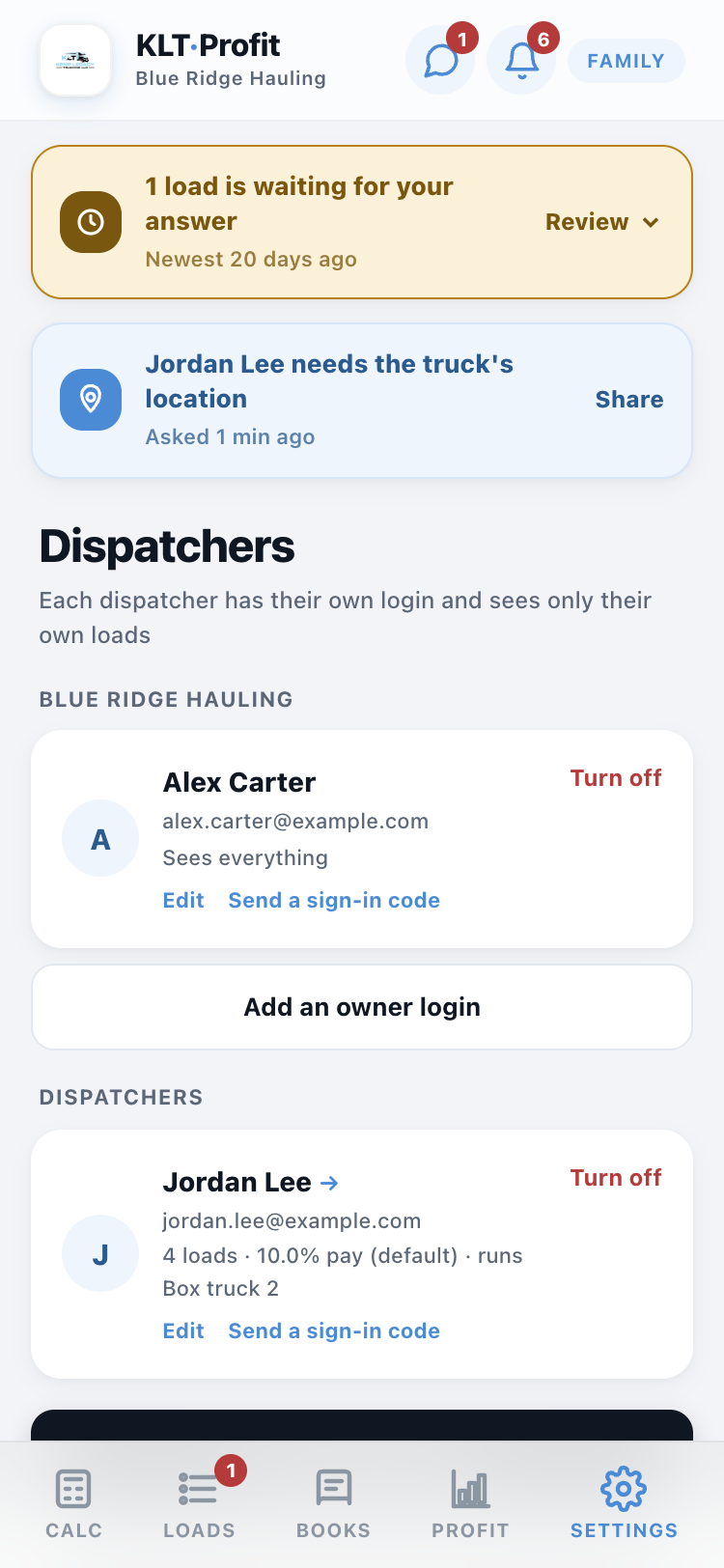
Everyone who can sign in lives here. Make a join code for a new dispatcher, add another owner login, and turn someone off the day they stop working with you. Their loads and pay history stay put.
Someone forgot their password? Send a sign-in code from their card and they are back in, in under a minute.
Each dispatcher can have their own pay percentage and, with more than one truck, their own truck. Tap Edit on their card. It follows them everywhere: their calculator, the Books tab, their pay screen.
Say yes or no from anywhere
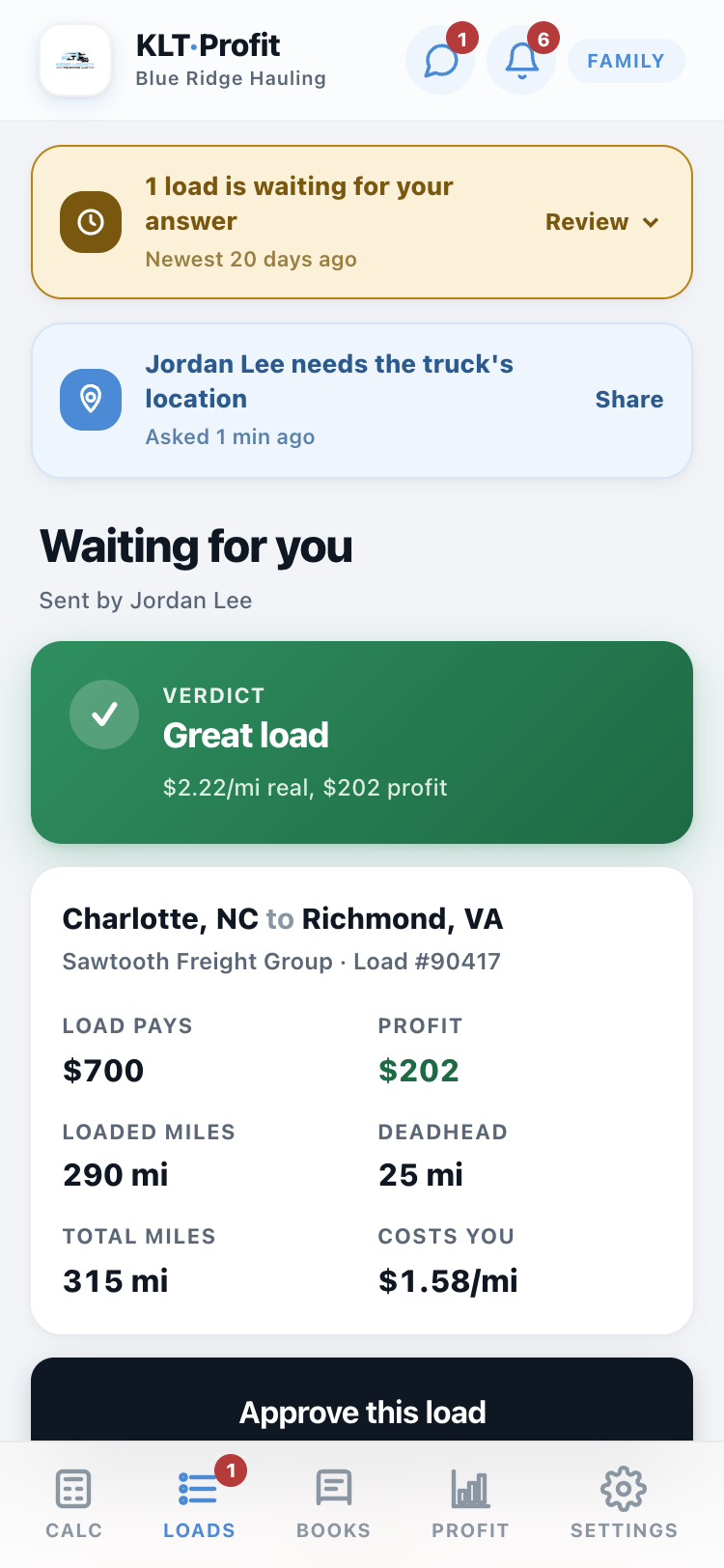
When your dispatcher finds a load, your phone pings and the load shows up waiting for your answer, everything on one screen: what it pays, what it costs you, what is left over. Two buttons. You can be in the truck, at dinner, wherever.
Your dispatcher gets a ping back with your answer, and the reason if you turned it down.
The bell: what needs you
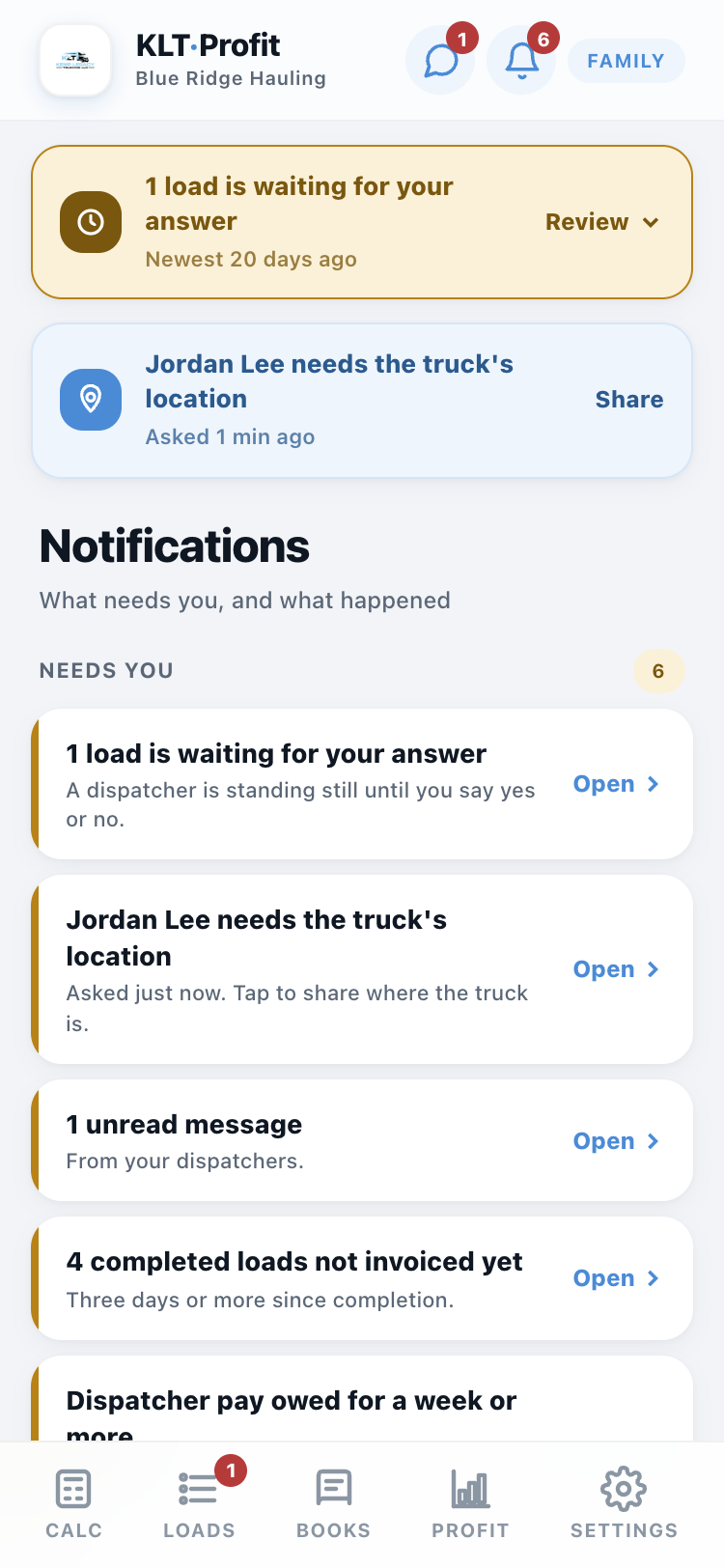
The bell at the top of every screen carries a red number. Tap it. The top half is Needs you: loads waiting for your answer, delivered loads to mark completed, completed loads to invoice, invoices unpaid for a month, dispatcher pay owed, loads with no rate con or no load number, a dispatcher waiting on the truck's location. Each one opens the right screen.
Below it is Recent: every ping you were sent. Pin the ones to keep at the top, Clear the rest, or Clear all. Cleared pings are kept for 90 days under "Show cleared".
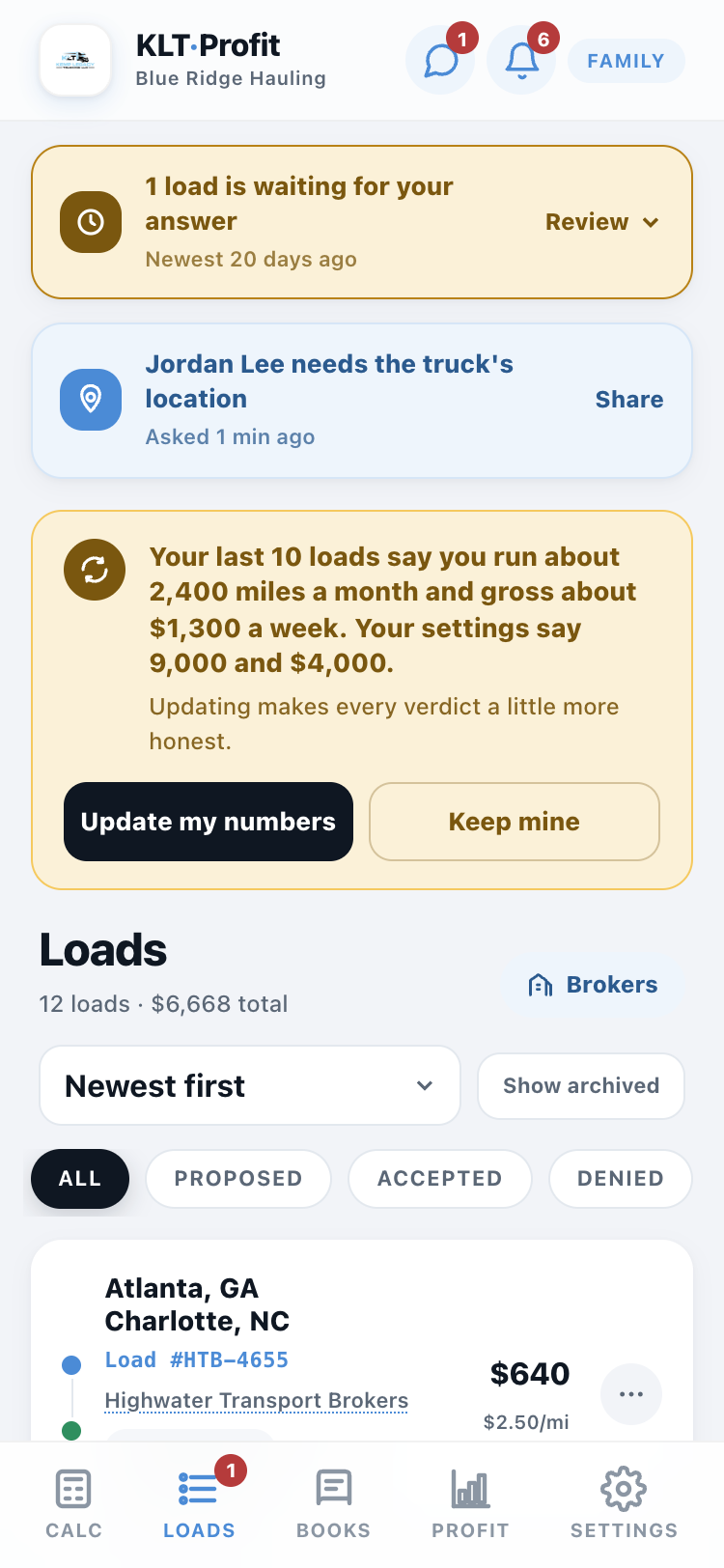
The Loads tab is the running list
Every load in one place: what is waiting, what is approved, what is done, and what each one pays. The red badge on the tab is how many loads are waiting on your answer.
Tap any load to open it, fix a number, or attach paperwork.
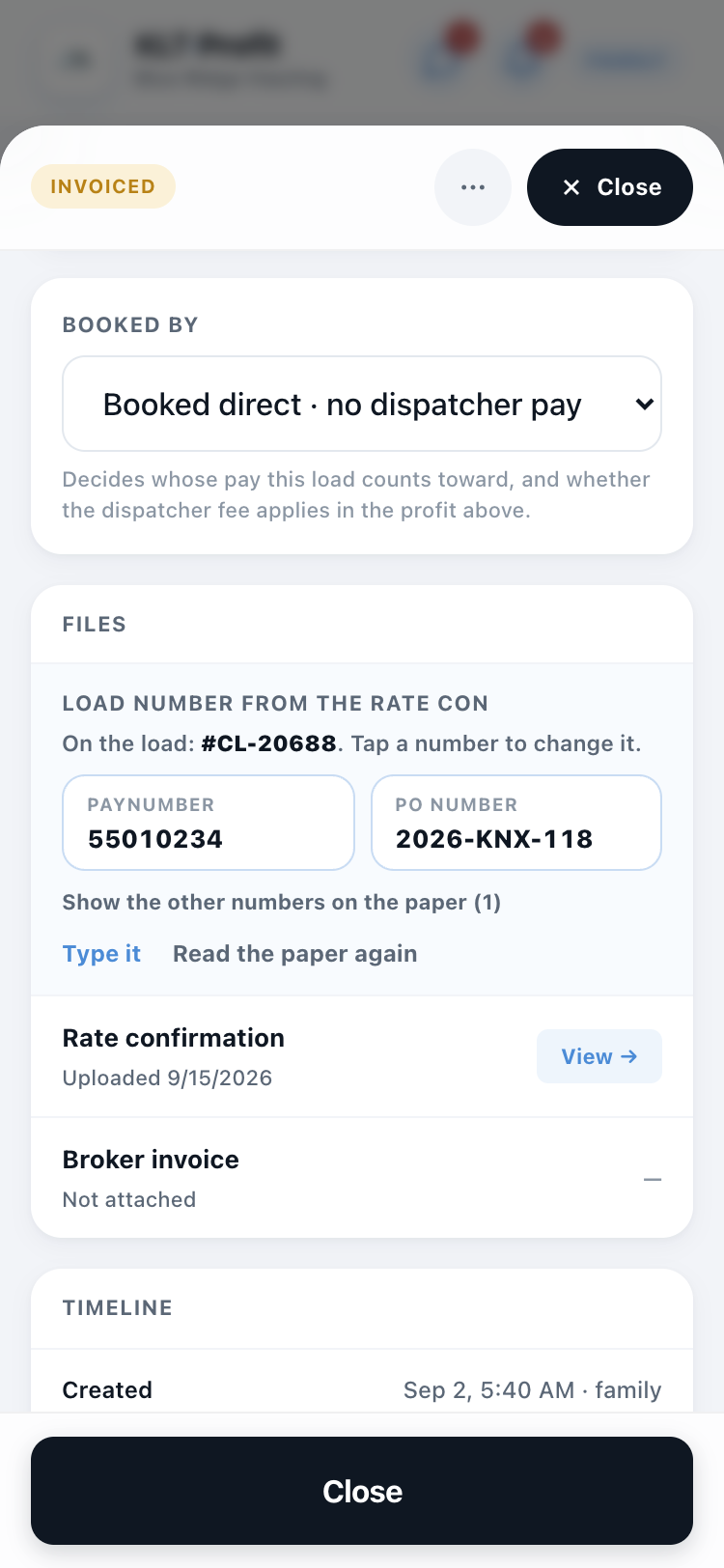
The load number, straight off the rate con
When a rate con is attached, the app reads it and fills in the load number and the broker if they were blank. Some rate cons never say "Load #": they print a Paynumber, an Order #, a PRO #, a pickup number and a barcode. The app knows which labels count and fills the number only when it is sure.
When it is not sure, or when it got one wrong, open the load. The Files card lists every number printed on the paper with its label. Tap the right one. That is the load number now.
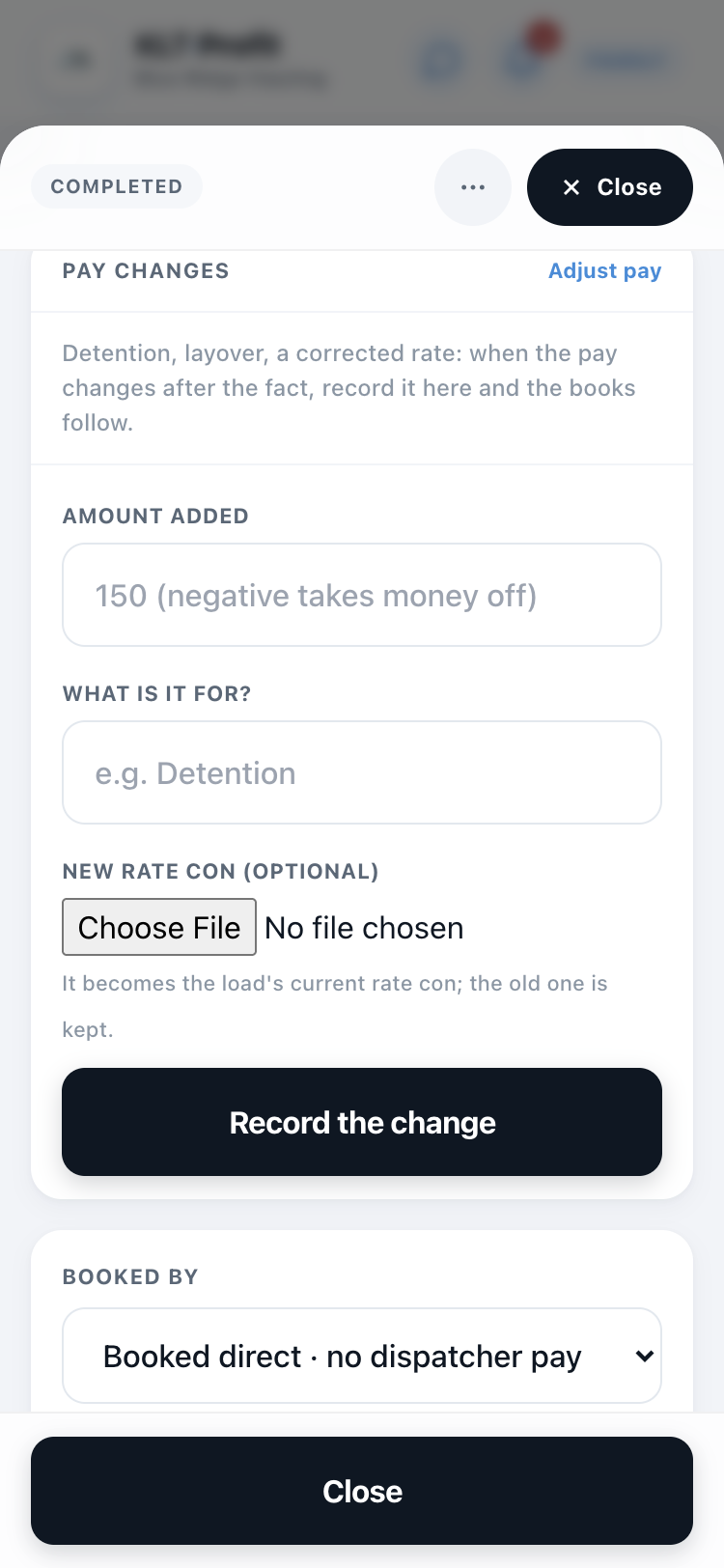
When the pay changes after the fact
Detention, layover, a corrected rate: open the load, tap Adjust pay, put in the amount and what it is for, and attach the new rate con if one came with it.
The original pay stays visible ("$1,450 + $150 added"), the old rate con is kept, and everything follows automatically: your dispatcher's cut, the Books tab, the Profit tab. Every change is logged: who, what, when.
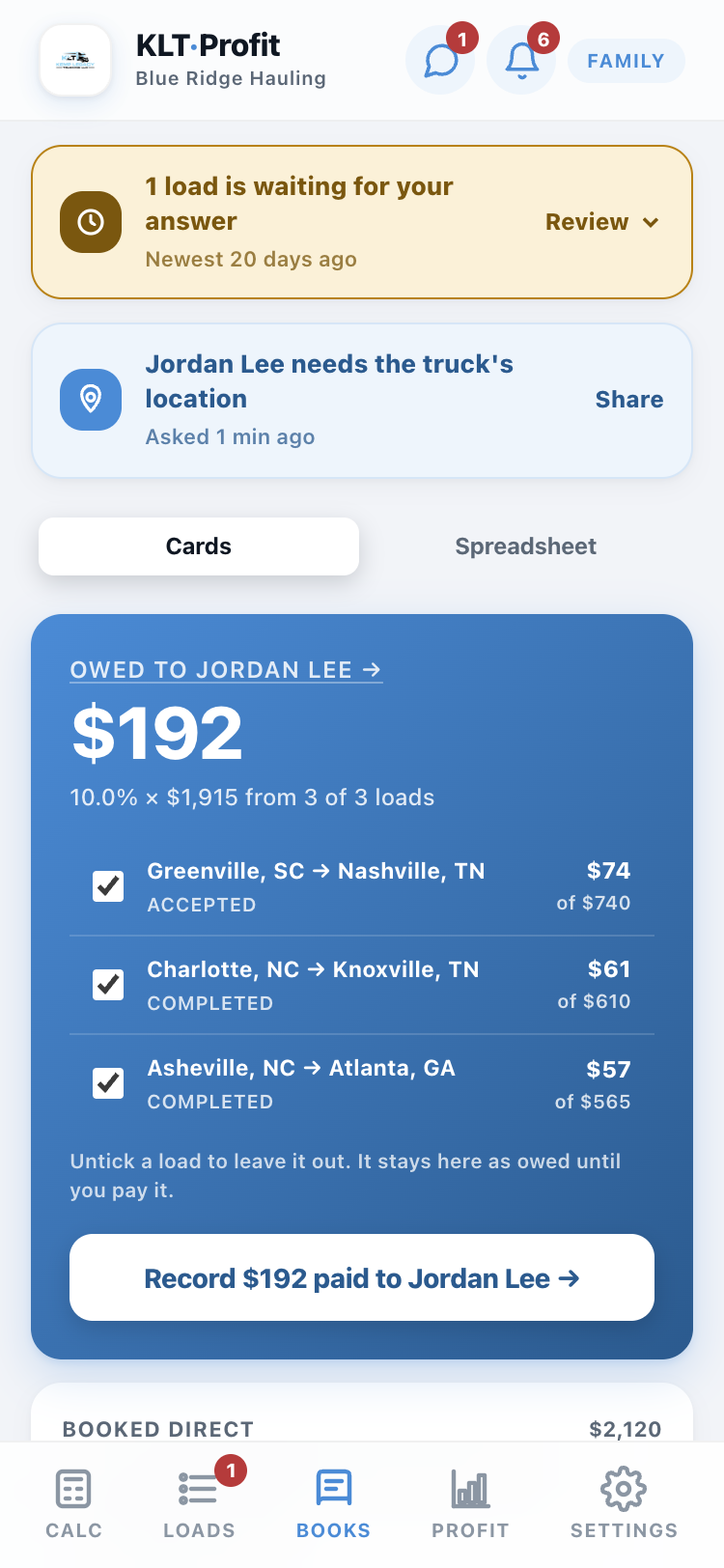
Pay your dispatcher on the Books tab
The Books tab keeps a running total of what you owe your dispatcher: their percentage of every approved load, added up for you. When you pay them, tap the button and it is recorded. Untick any load to leave it for next time. You pay on your schedule.
The moment you record it, your dispatcher's phone pings: "You've been paid."
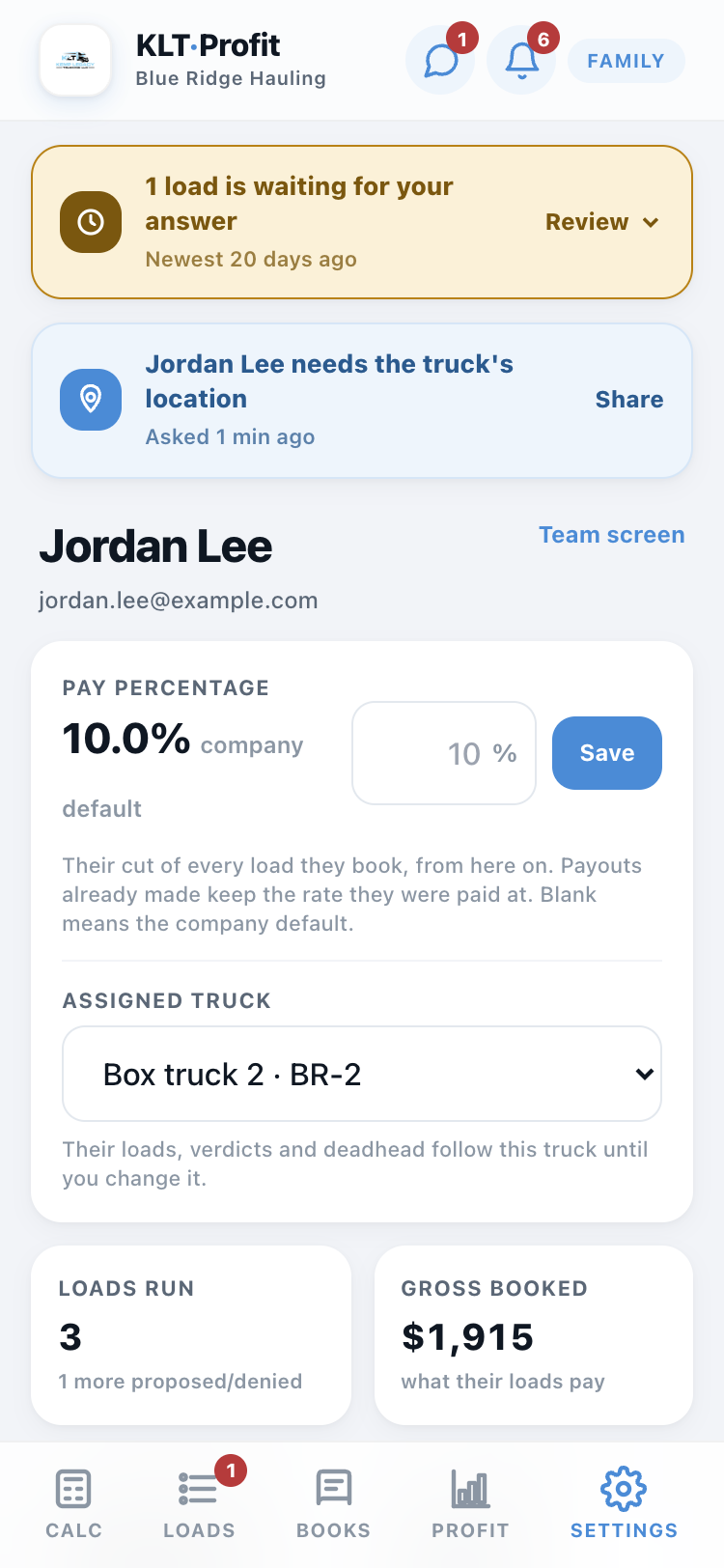
Tap a dispatcher's name for their hub
On Books or Team, their name is a button. It opens their whole picture: pay percentage (change it right there), loads run, gross booked, average weekly miles, what they are owed and what they have been paid, plus every load with their name on it.
The Profit tab shows three jars
Yours, Truck, Business: what came in, split the way the money actually goes, for this week, this month, or any stretch you pick. Tap the jars for Where the money went: every dollar in and every line out (bills by the day, diesel by the mile, fees by the dollar, taxes on what's left), by day, week or month.
Under the jars sits Your paycheck: if you took a paycheck right now, how much would it be, from the loads that are delivered. A load still on the road shows greyed and is not counted. Untick any load, type the amount you are actually paying yourself, and the line under it says what that does (what stays in the business, or what comes out of the bill money). Record keeps the paycheck and starts the number over. Set the day each bill comes out in Settings and the card lists what is coming out of the account next.
Every screen off the bottom bar now has a Back button, top left, that names where it goes.
Messages: talk to your dispatcher in the app
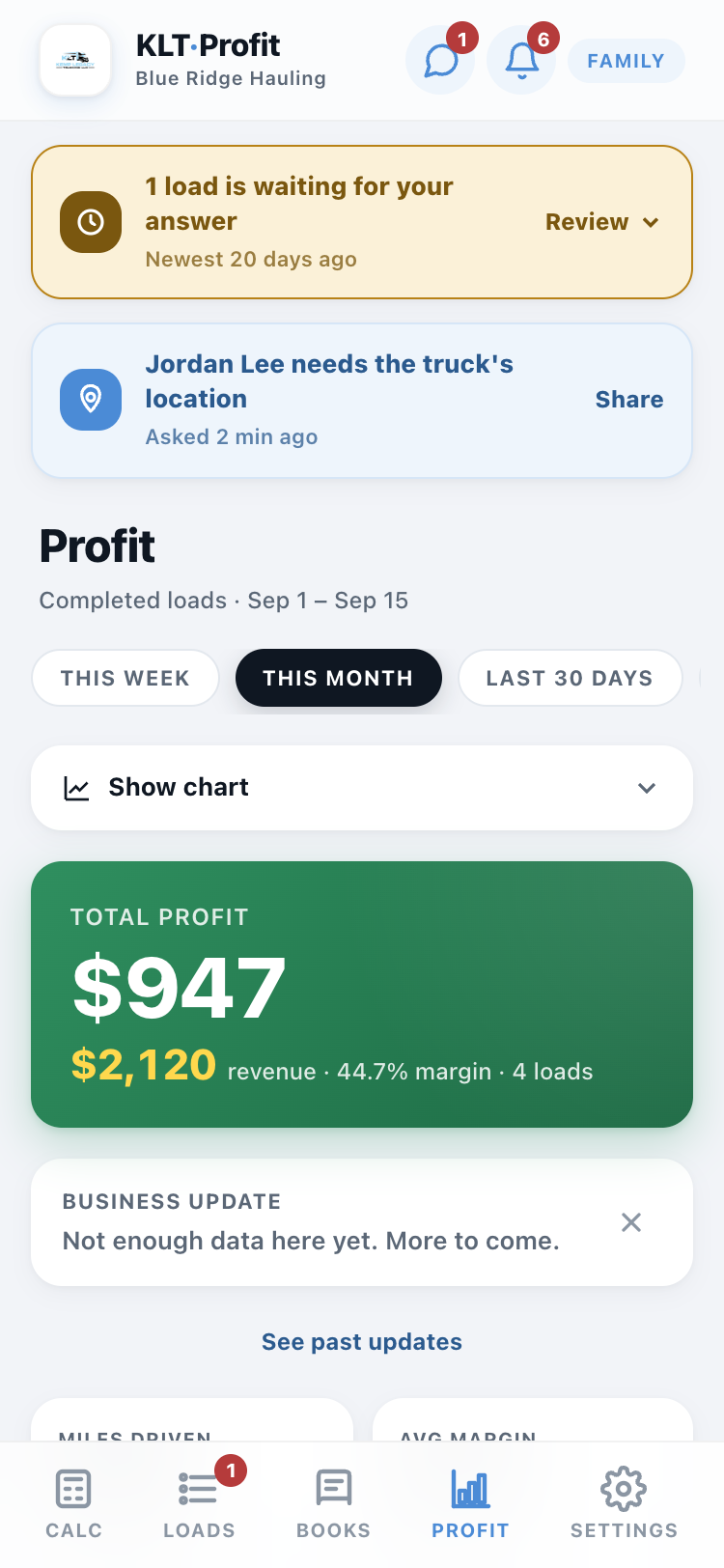
The chat bubble next to the bell opens Messages: one conversation per dispatcher, shared by everyone on the owner side. Write a line, they get a ping; they write back, you get one. No more texts lost between two phones and a group chat.
While a conversation is open, new lines land within a few seconds. The red number on the bubble is how many are waiting for you.
Settings holds your truck's numbers
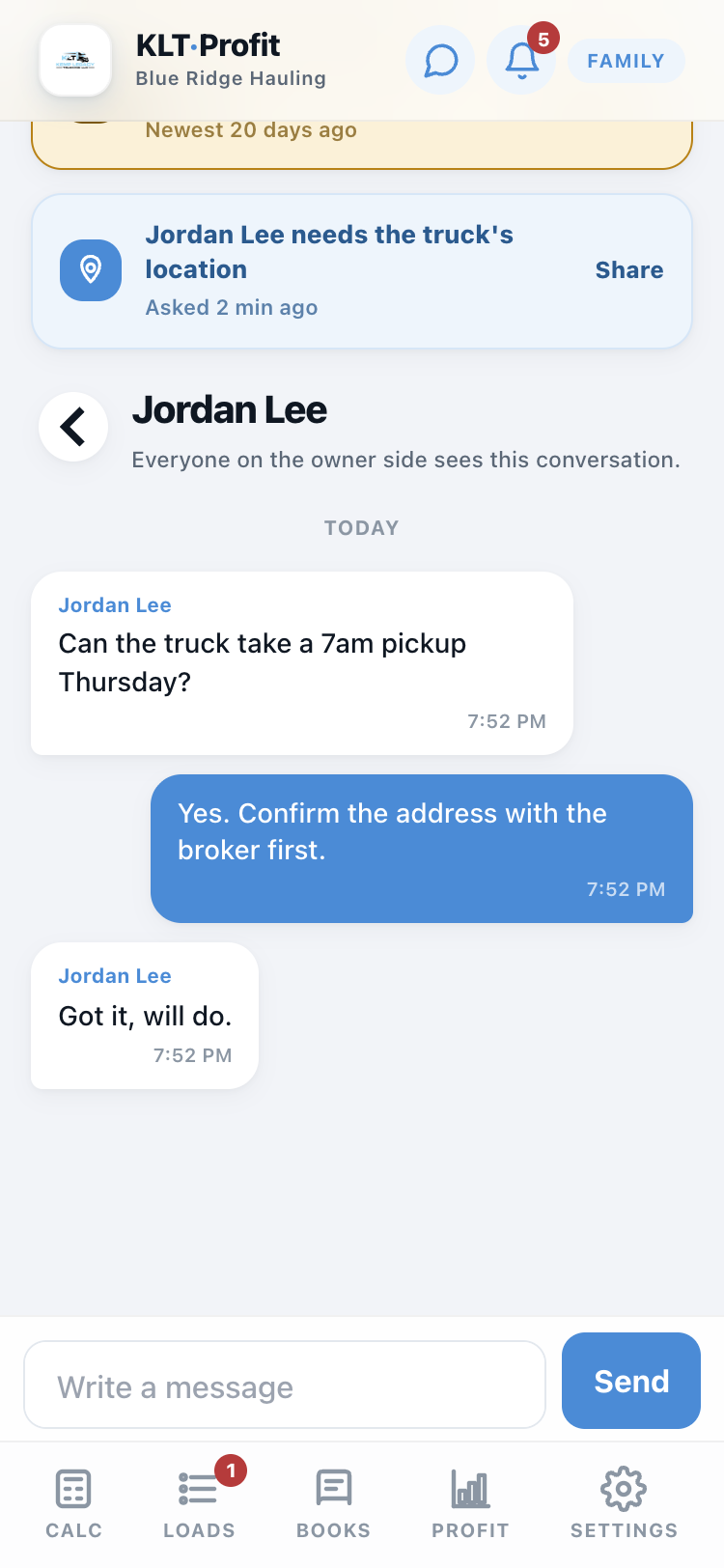
Diesel price, fuel mileage, insurance, truck payment, the starting dispatcher percentage: every number the verdicts are built on lives here. When something changes in real life, change it here and every screen updates. Wrong numbers in, wrong verdicts out.
Further down: Other Expenses (tags, permits, drug tests, anything that raises your cost per mile), the Team tab, this guide, and the setup questions to run again.
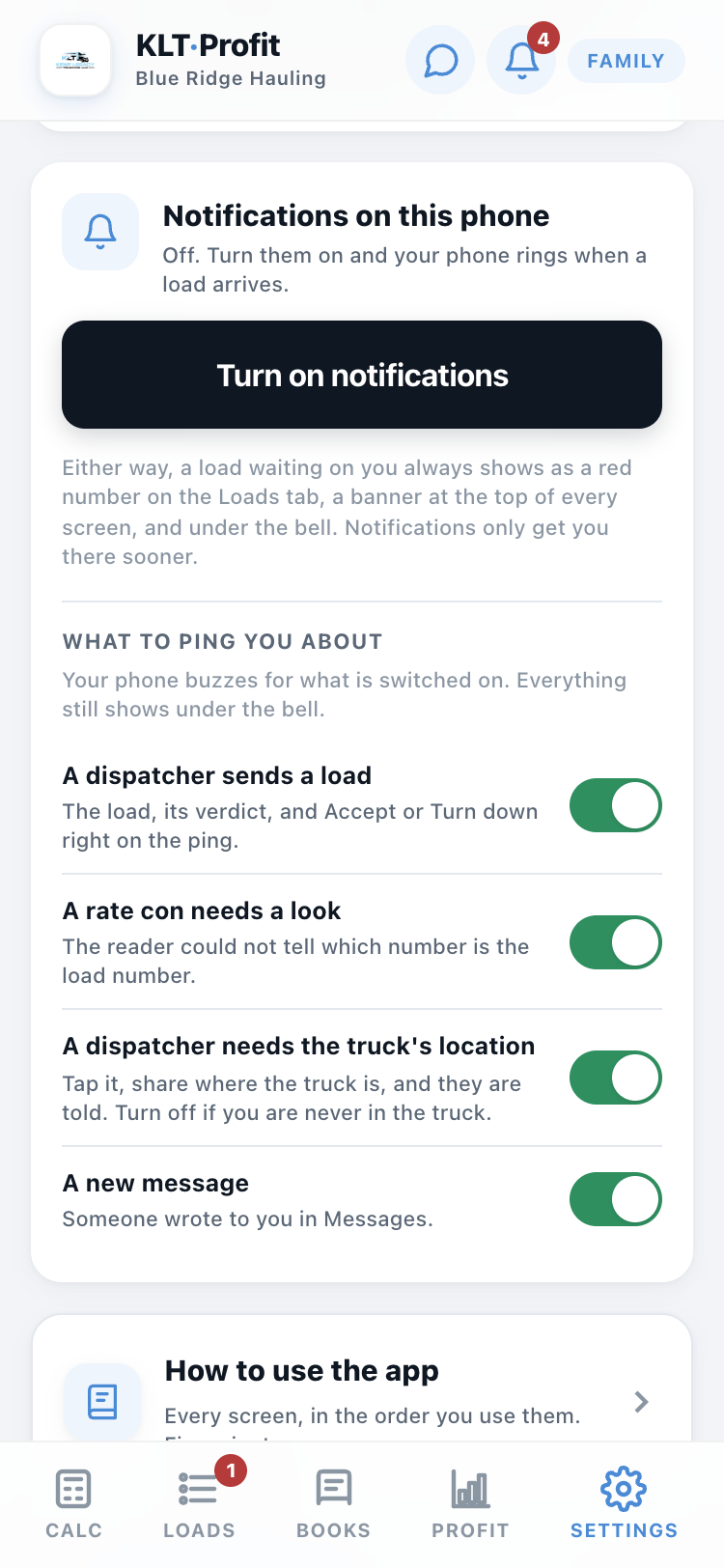
Notifications on this phone, and what to ping you about
On Settings, Turn on notifications once on each phone. On an iPhone the app has to be on your Home Screen first; the card tells you exactly what to do.
Under it, What to ping you about: a switch for each kind of ping, per person. A dispatcher sends a load, a rate con needs a look, a dispatcher needs the truck's location, a new message. Switch off what is not yours to handle. Everything still shows under the bell either way.
More than one truck
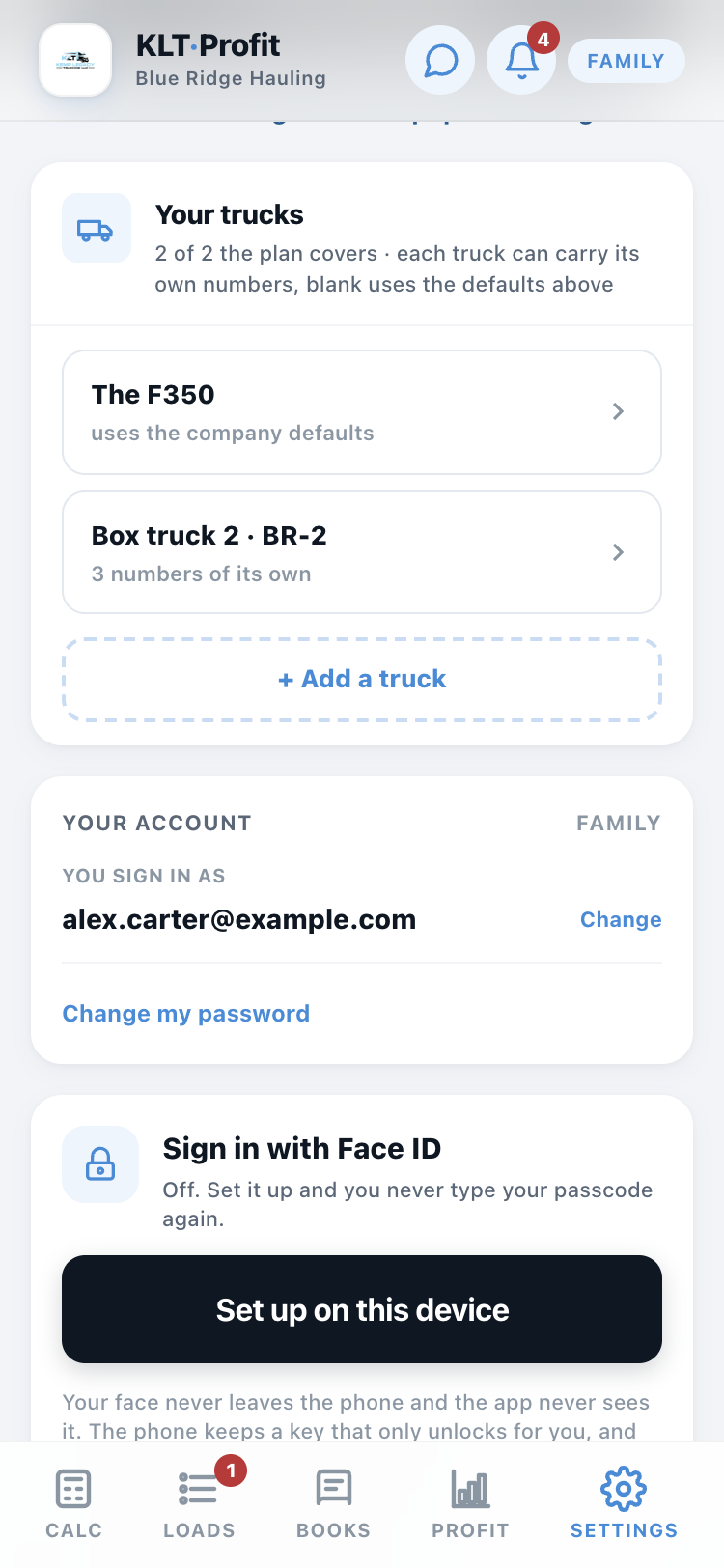
Your trucks on Settings lists the fleet. Each truck can carry its own fuel mileage, insurance and payment; anything you leave blank uses the company numbers. Every load is priced at the truck that runs it, and each truck has its own location pin.
With two or more trucks the calculator shows a picker, and a dispatcher can be assigned to one on the Team tab.
Loads with stops
A load that picks up in one place and drops in three: tap + Stop on the calculator and add the cities in driving order. Trip miles become the legs added up, the map draws the whole route, and the load list shows "via" the stops.
Running the loads
Find a load, check it, send it, attach the paperwork. The owner answers with one tap, your phone tells you, and your cut tracks itself.
This is home
Same calculator, made for you. Type in a load you found: pickup, dropoff, what it pays. The app checks it against the truck's numbers without ever showing you the company's costs.
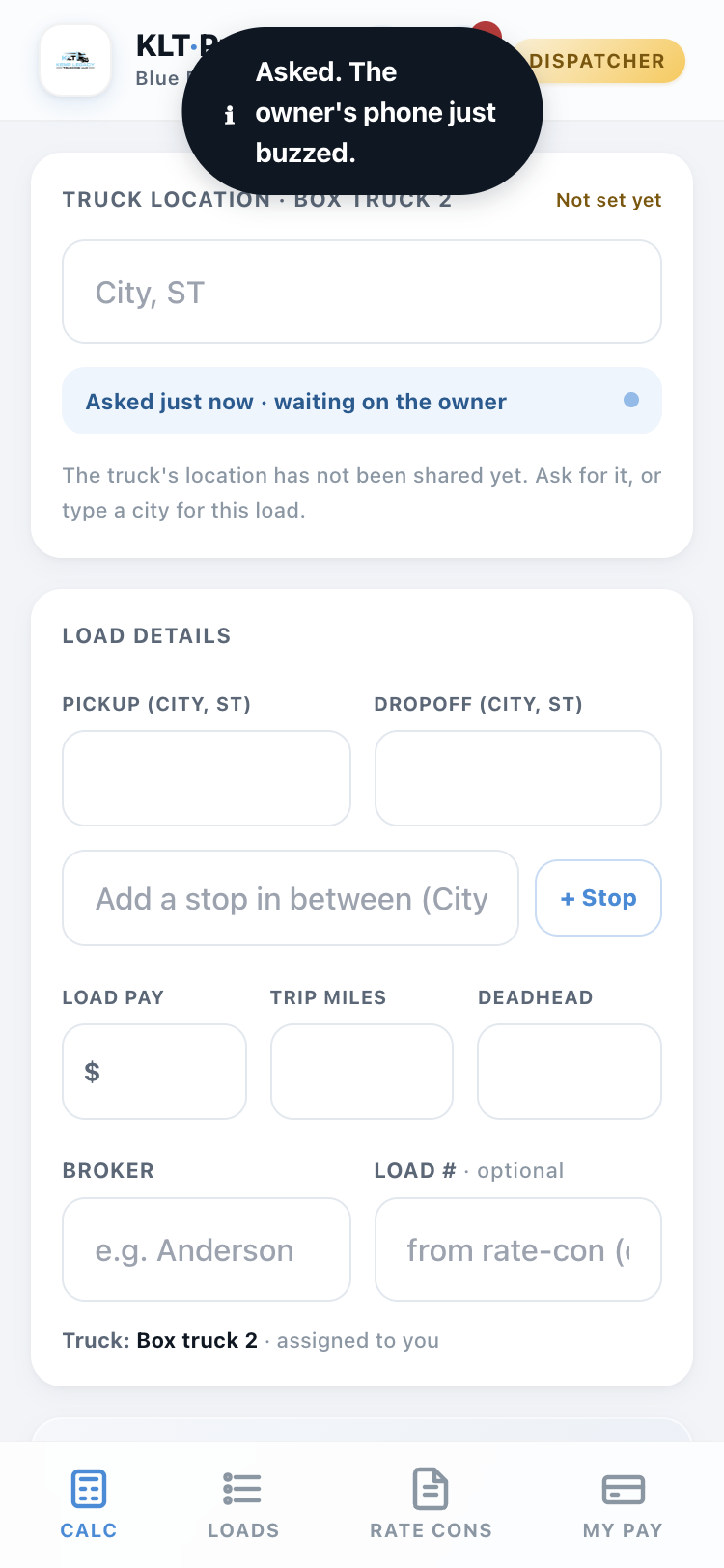
Ask where the truck is
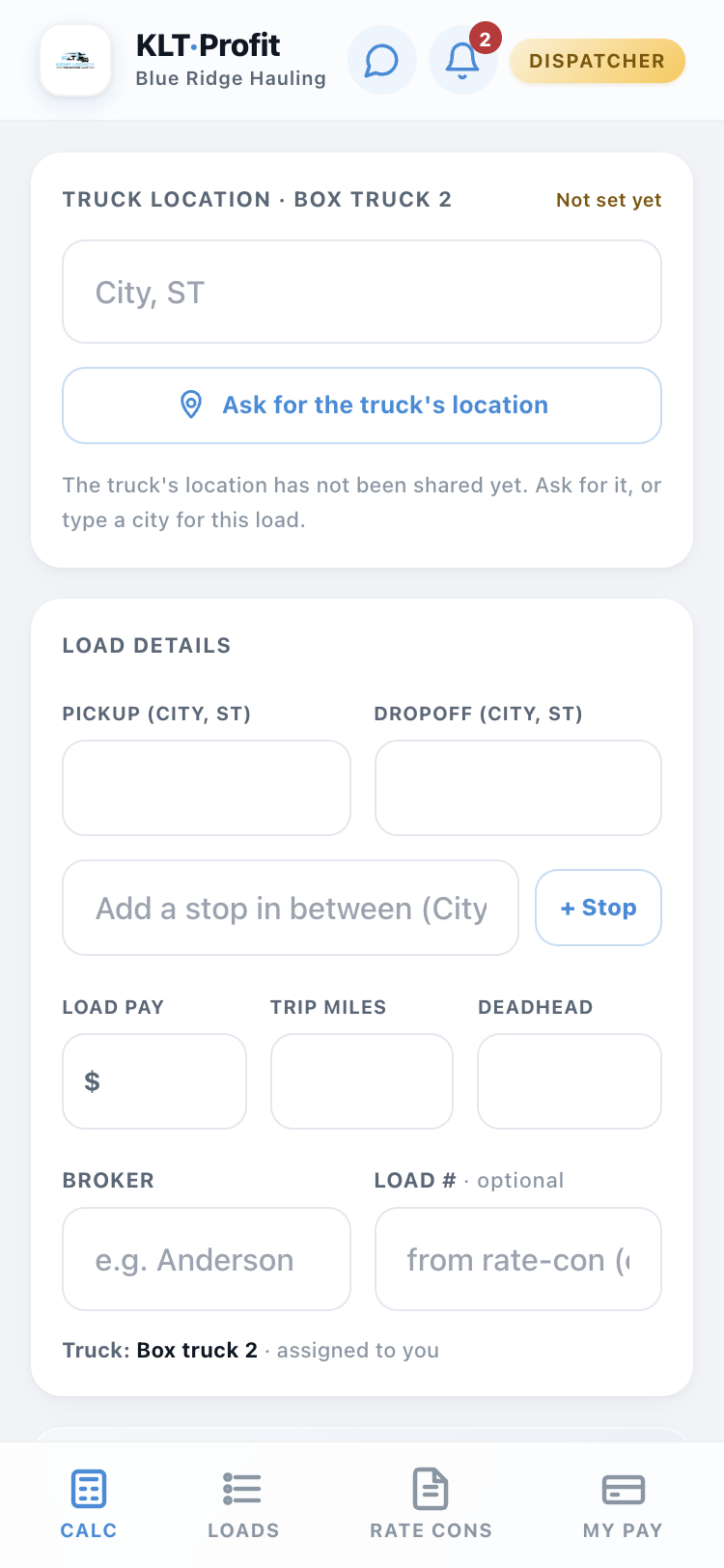
Deadhead is measured from where the truck is right now, and that spot comes from the owner's last pin. Stale or missing? Tap Ask for the truck's location on the Truck location card. The owner's phone pings; when they share, the pin, the map and the deadhead update here by themselves and your phone tells you.
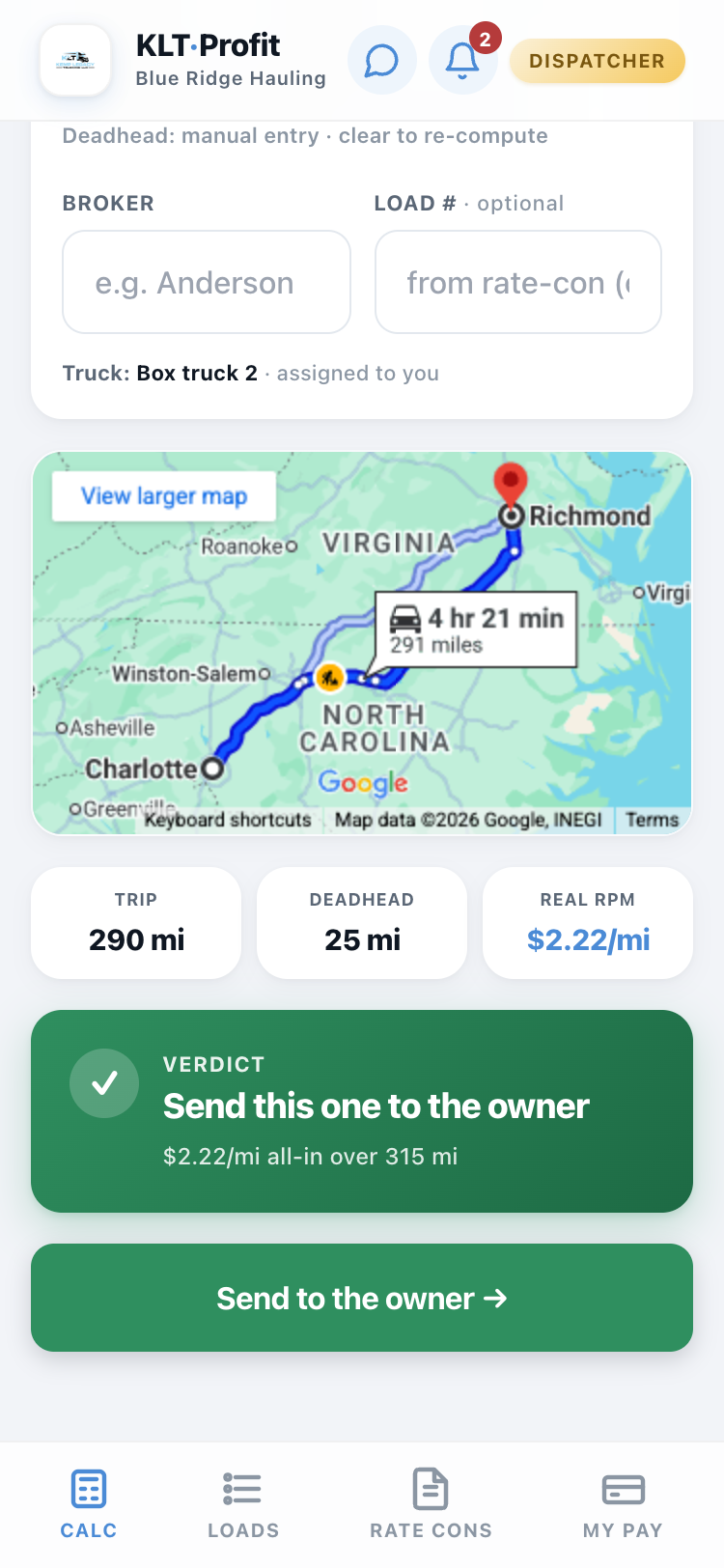
Check it, then send it
You get a simple answer, good load or bad load, plus the map and the real miles. If it looks good, send it for approval. The owner's phone gets it instantly.
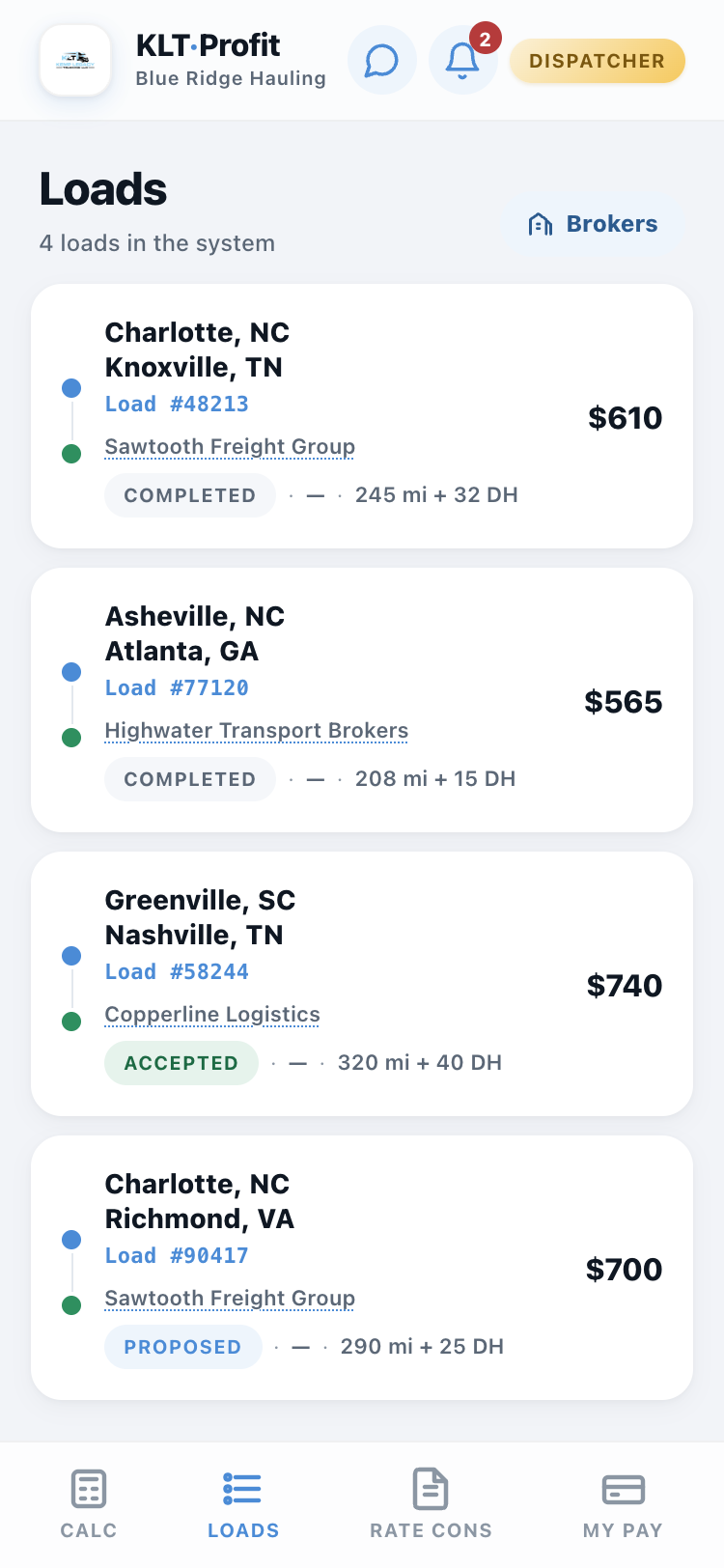
Watch your loads move
The Loads tab shows everything you have sent and what happened to it: waiting, approved, done. When the owner decides, your phone pings with the answer, and the reason if it was turned down. No texting "did you see that load?"
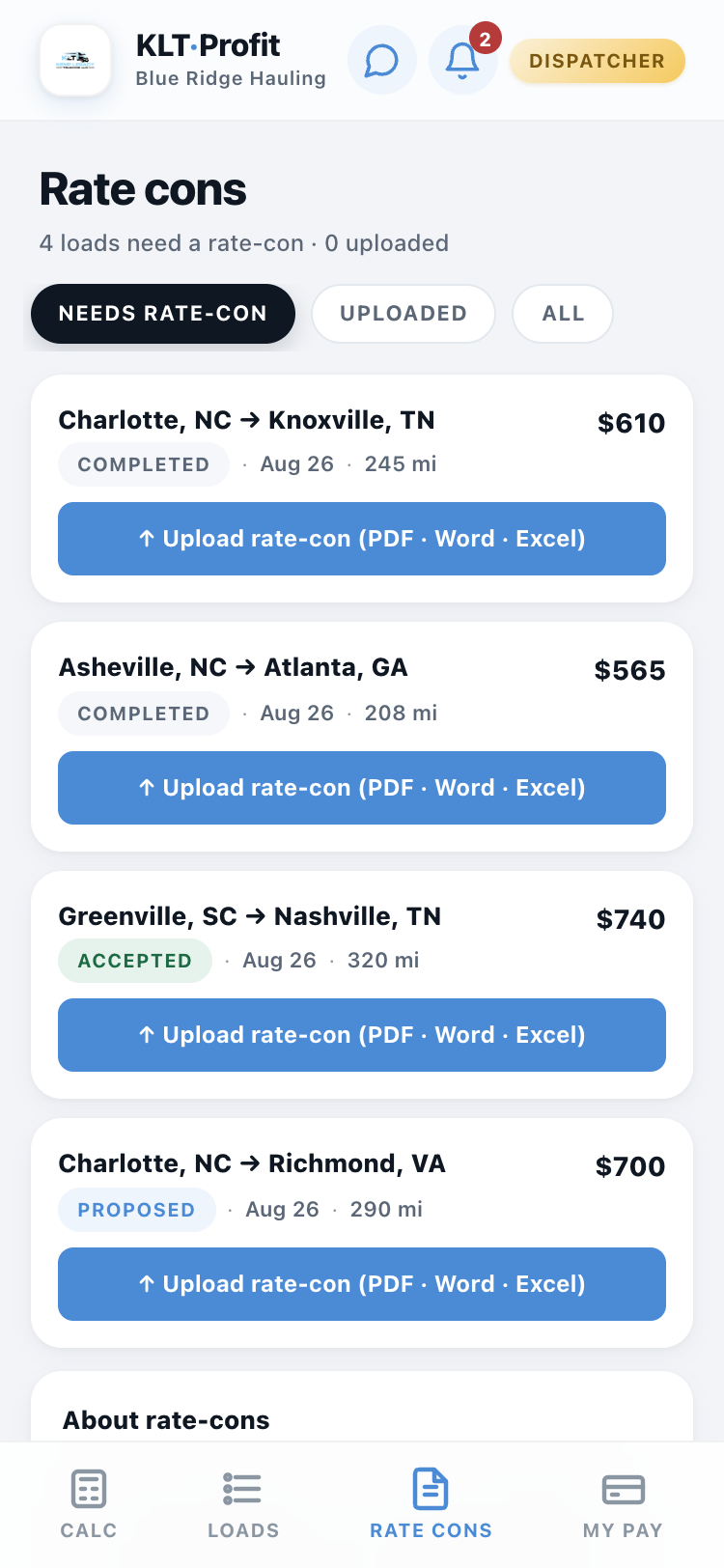
Rate cons live on their own tab
A rate con is the broker's paper for a load. The Rate cons tab shows which of your loads still need one. Tap Upload, pick the PDF or photo, and it is attached to that load for good.
The app reads it in the background and fills in the load number and the broker if they were blank. The office can open the paper from their side, so nobody ever texts you asking for it.
Your pay adds itself up
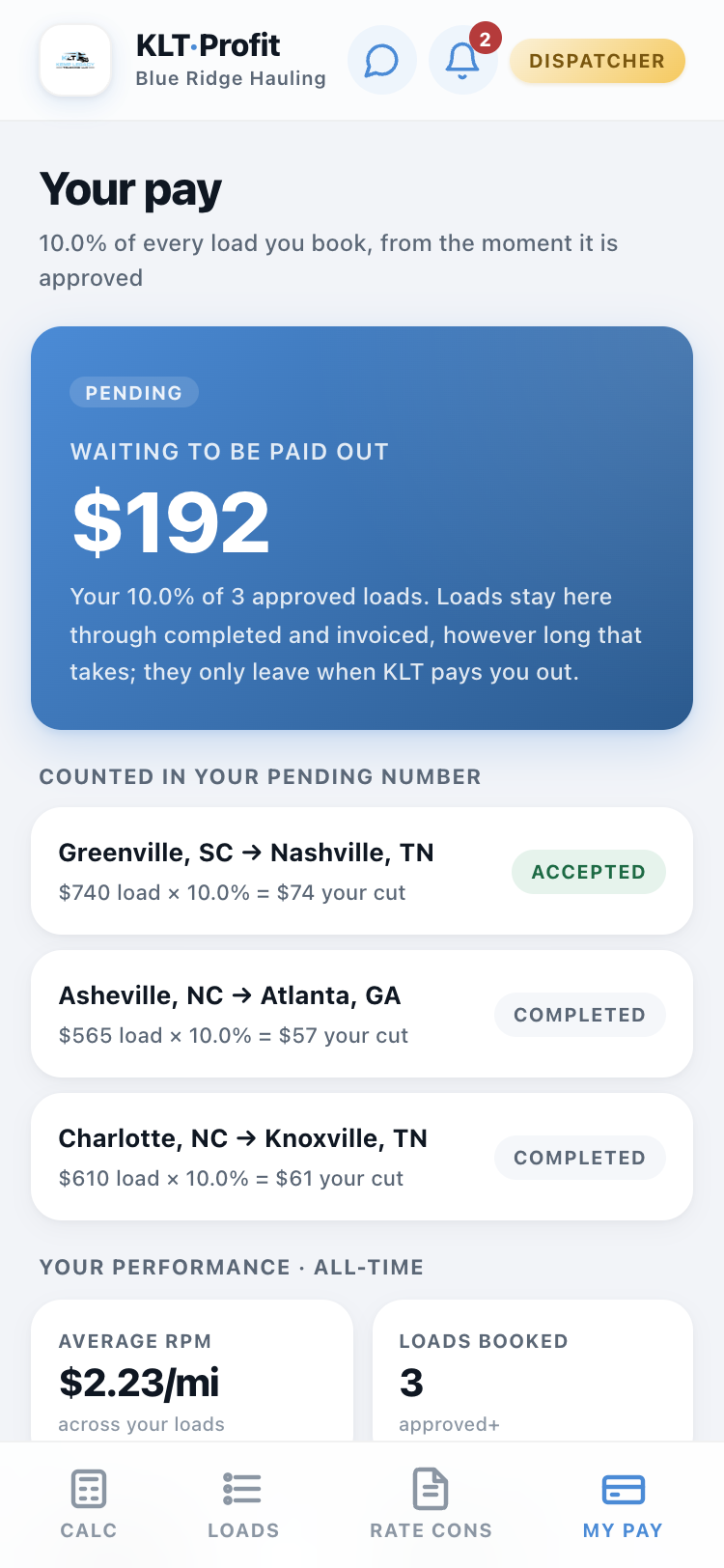
The My Pay tab shows your cut of every approved load, to the penny, load by load. It stays there until you are paid; nothing disappears, nothing needs a spreadsheet. When the owner records a payout, your phone pings: "You've been paid."
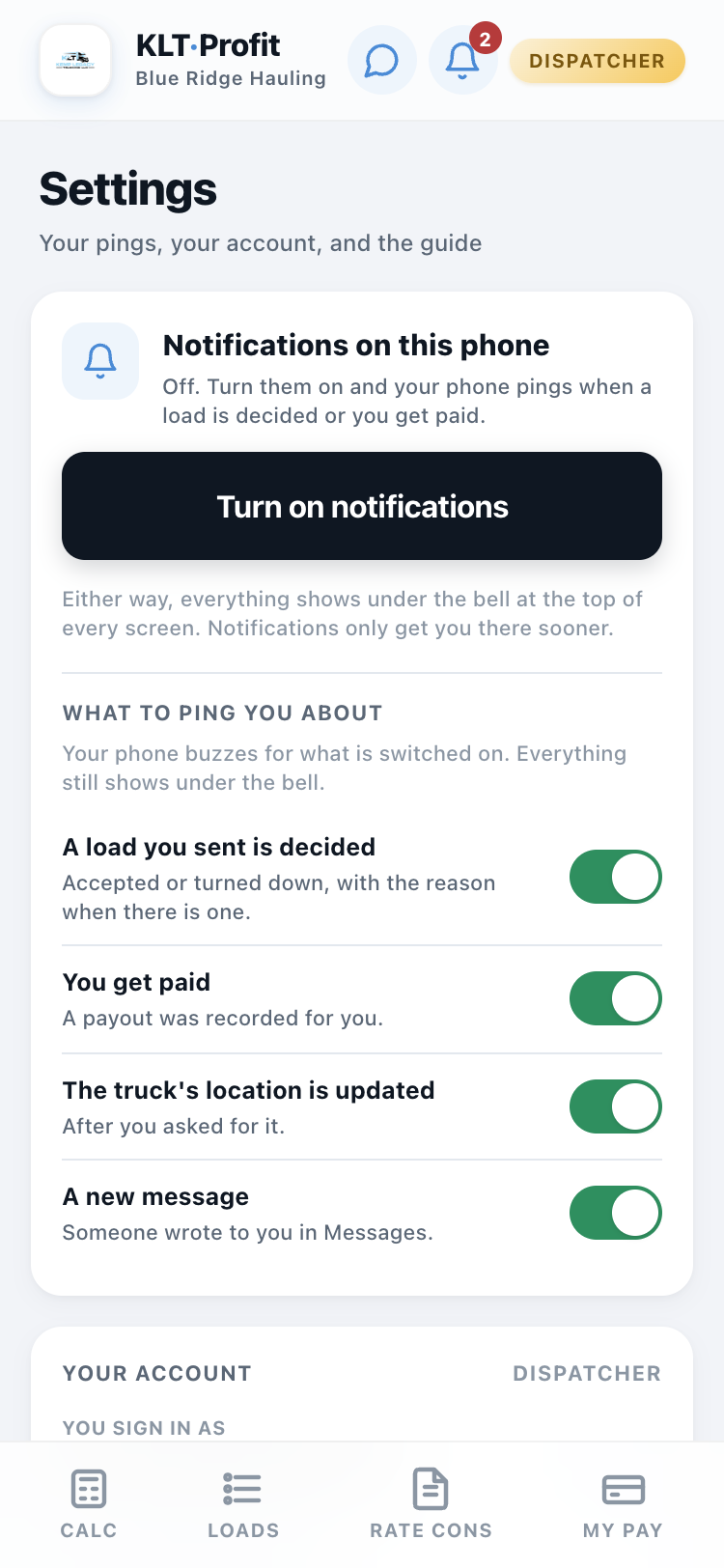
Turn on notifications, choose your pings
Tap your name at the top right, then Settings. Turn on notifications once on your phone (on an iPhone, add the app to your Home Screen first; the card walks you through it). Then pick what buzzes you: a load you sent is decided, you get paid, the truck's location is updated, a new message.
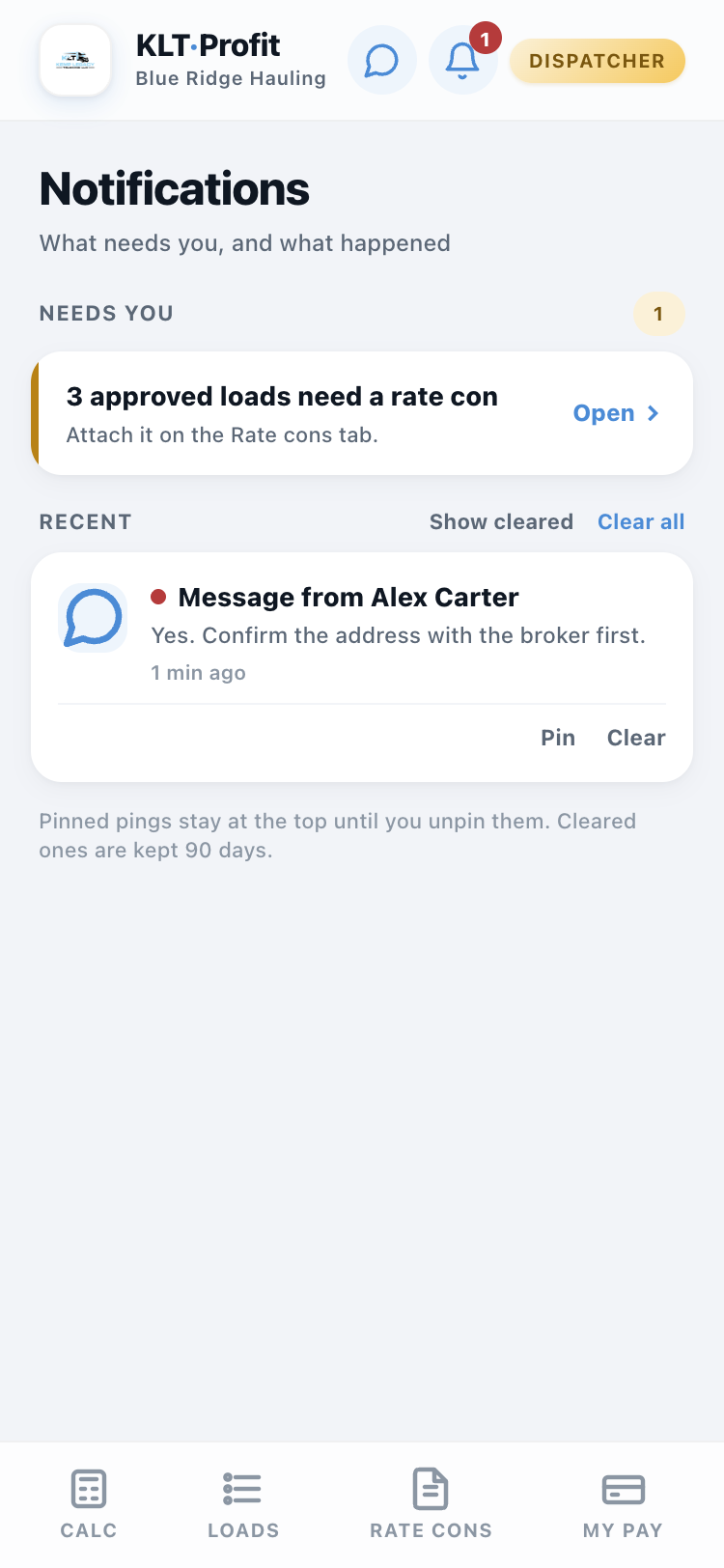
The bell
The bell at the top of every screen shows what needs you (approved loads still missing a rate con, unread messages) and every ping you were sent. Pin the ones to keep, clear the rest.
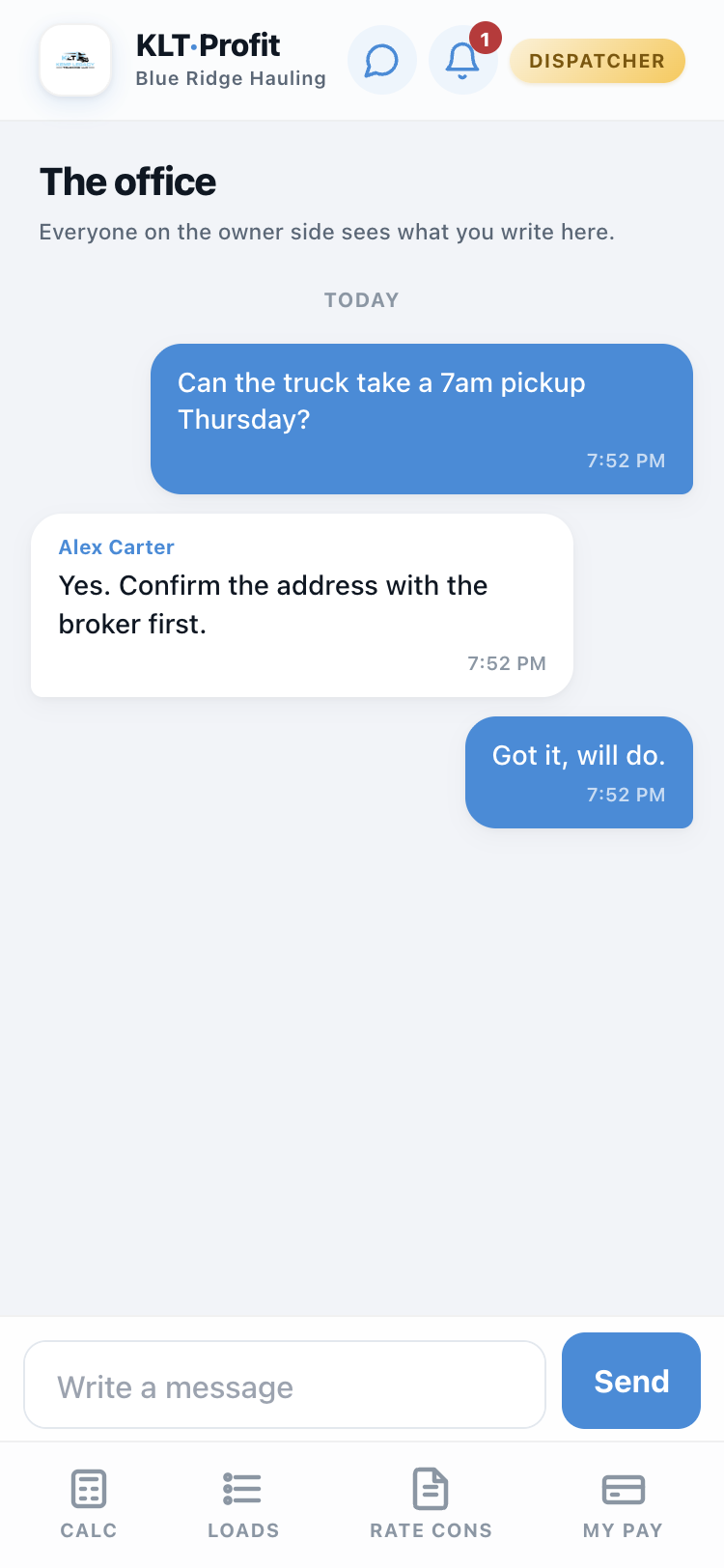
Messages
The chat bubble opens your conversation with the office. Everyone on the owner side sees it and any of them can answer. Write a line, they get a ping; when they write back, you do.
That's every screen
Dispatcher finds it and sends the paperwork, owner approves it and pays out, everybody sees their side of the money, and the phone tells you when something needs you. If a screen is not in this guide, the app does not have it.
Open KLT Profit